AI video styles
Pick how your video looks and ShortFast draws every scene in it, from real documentary footage to stick figures, anime and marble statues, with the voice, captions and pacing to match.
Footage
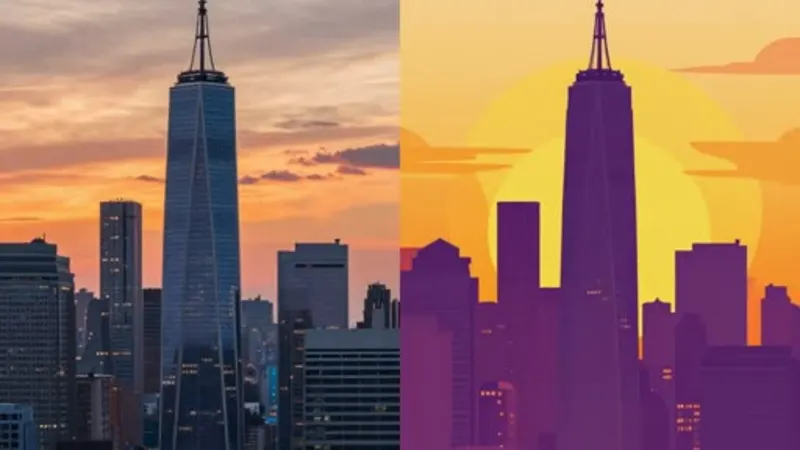
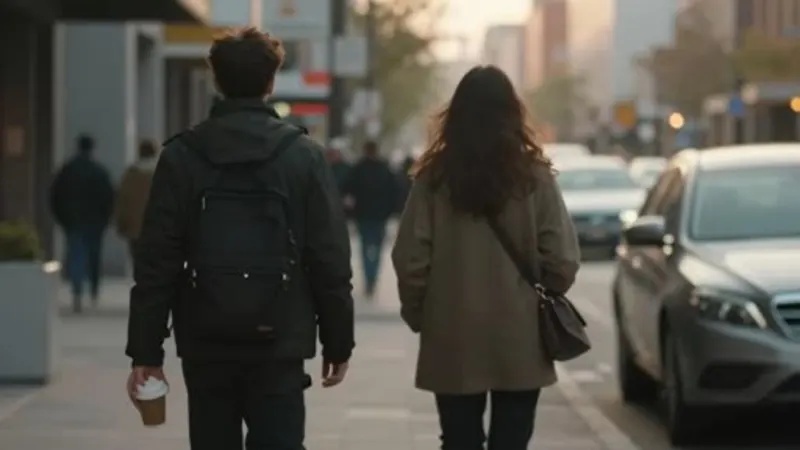
AI video
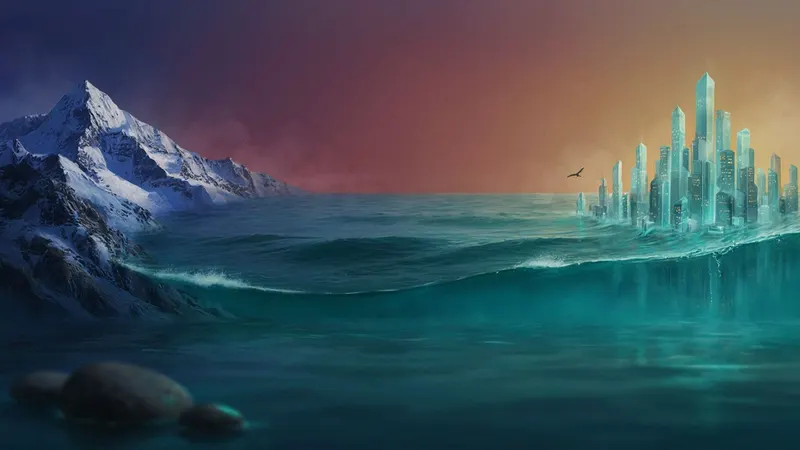

Cinematic
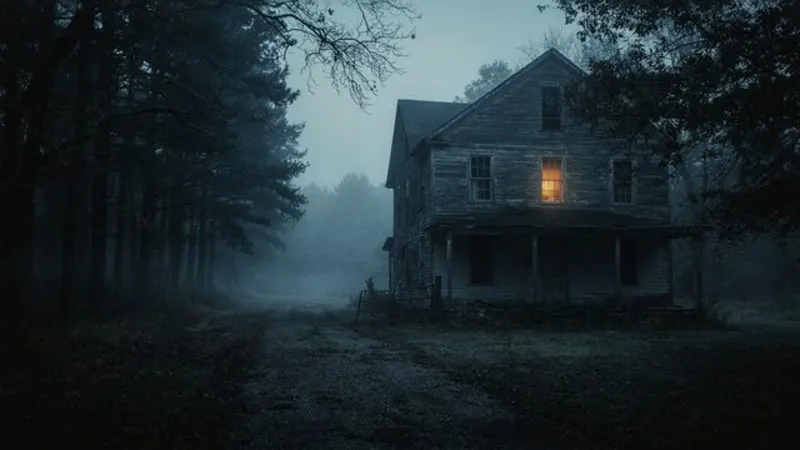
Dark Mystery
Moody, foggy and suspenseful
Great for True crime · Mysteries · Horror
AI images · Slow pace · Music
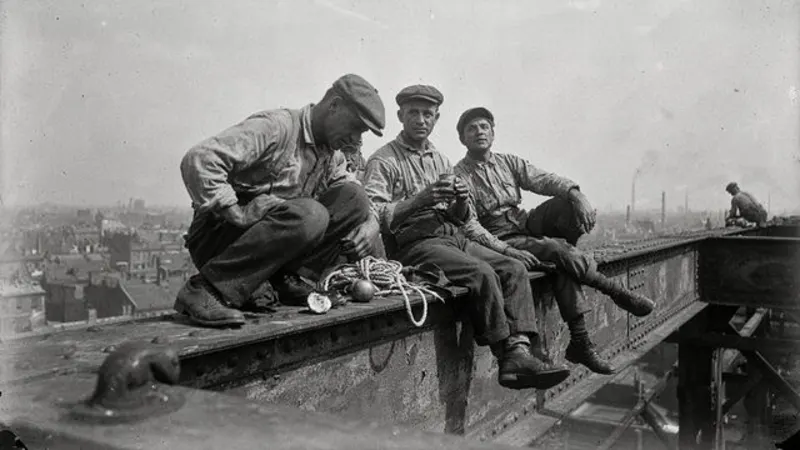
Vintage Archive
Old black-and-white photographs
Great for History · Old times
AI images · Slow pace · Music
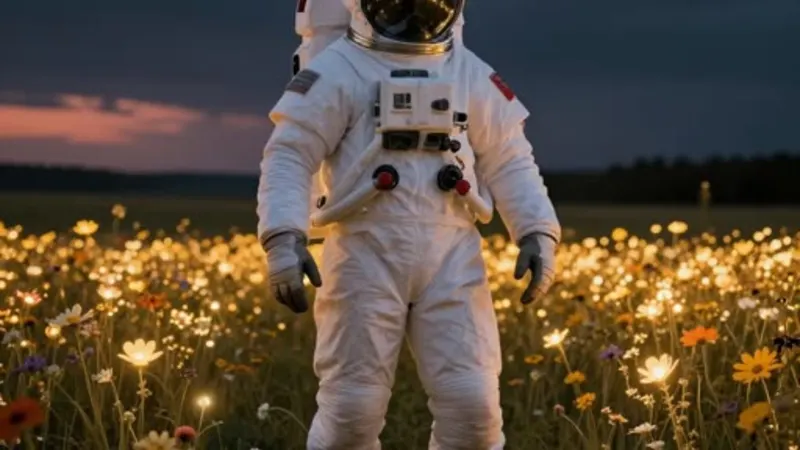
AI Images
Art-directed from your video
Great for Facts · Mysteries · Lists
AI images · Natural pace · Music
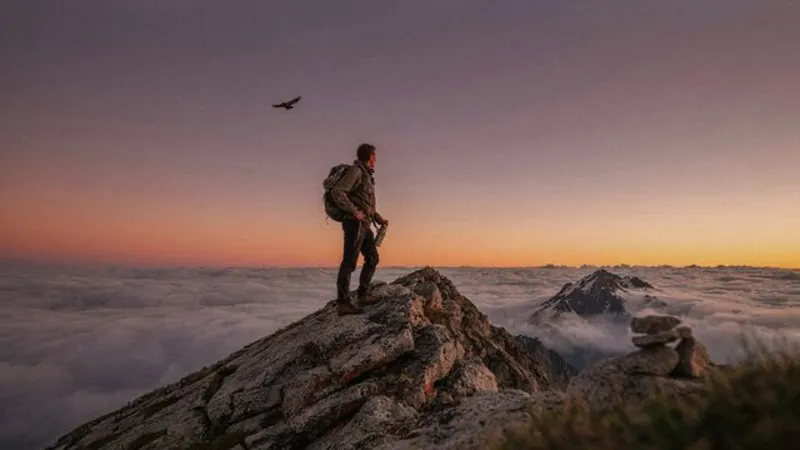
Cinematic
Photoreal film stills
Great for Motivation · Stories · Travel
AI images · Natural pace · Music
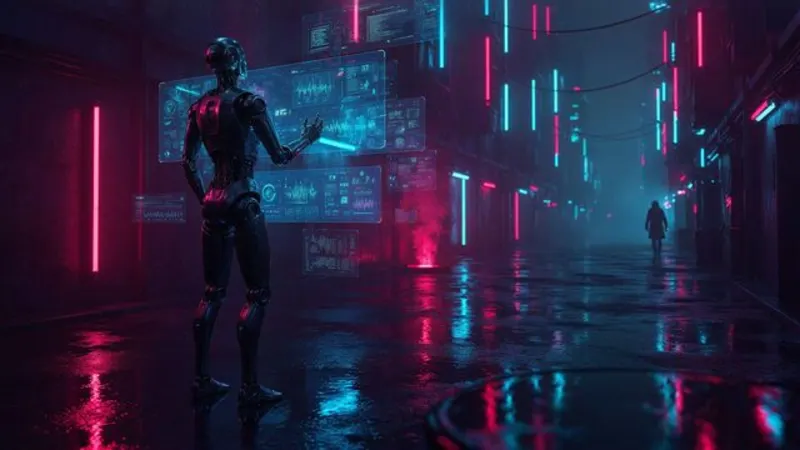
Neon Cyberpunk
Glowing neon, futuristic city
Great for Tech · AI · Future
AI images · Natural pace · Music
Illustrated
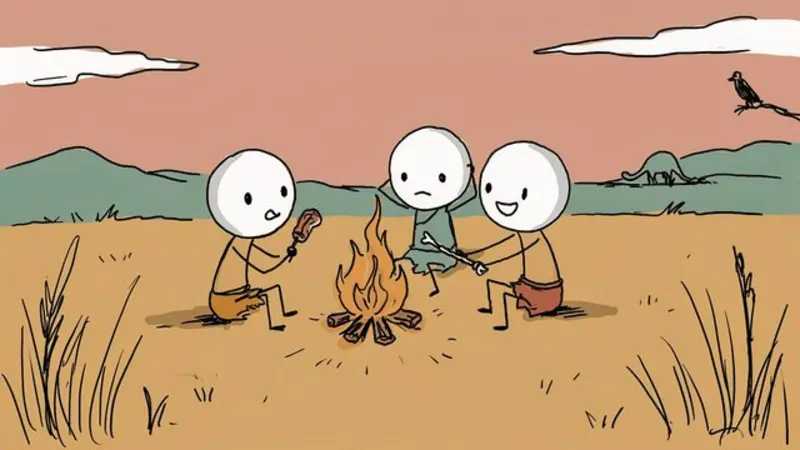
Stick Figures
Hand-drawn doodle characters
Great for History · Psychology · Explainers
AI images · Fast cuts · No music
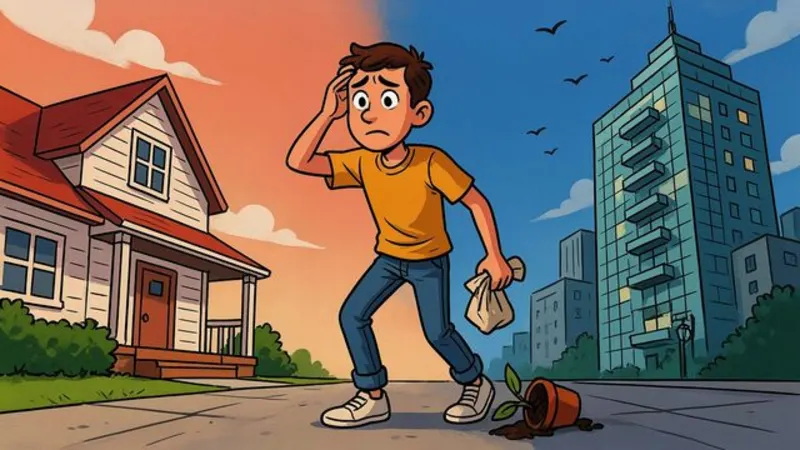
Cartoon Explainer
Bold, expressive YouTube cartoon
Great for Finance · Business · Explainers
AI images · Natural pace · No music
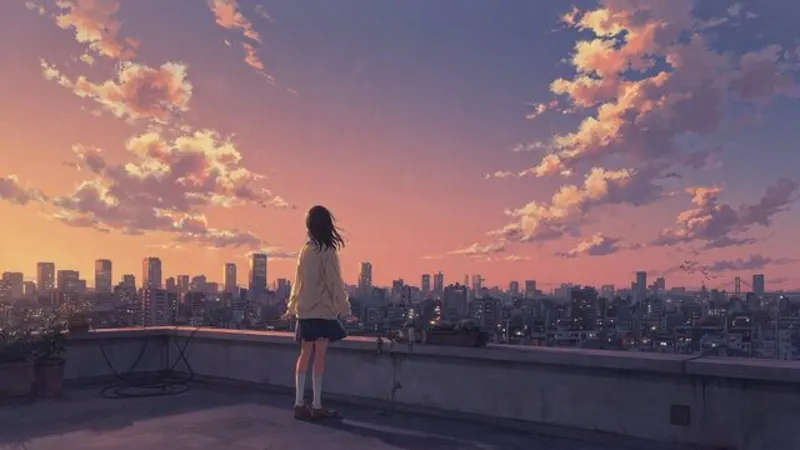
Anime
Cel-shaded, painted skies
Great for Stories · Life lessons
AI images · Natural pace · Music
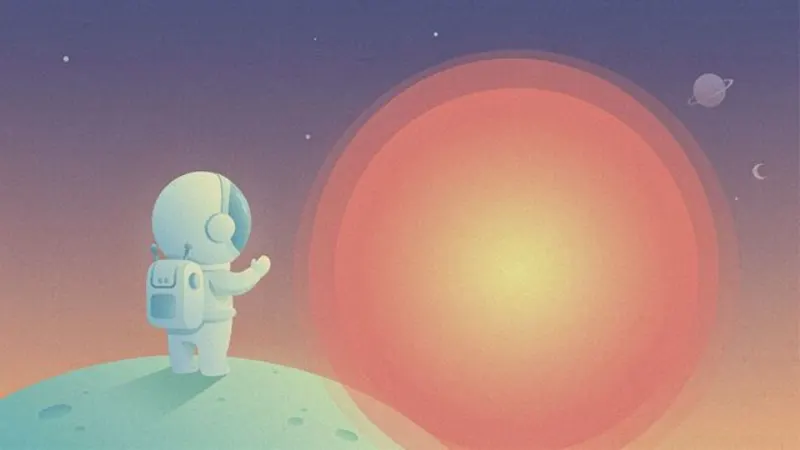
Flat Vector
Clean shapes, science-explainer look
Great for Science · Space · How it works
AI images · Natural pace · Music
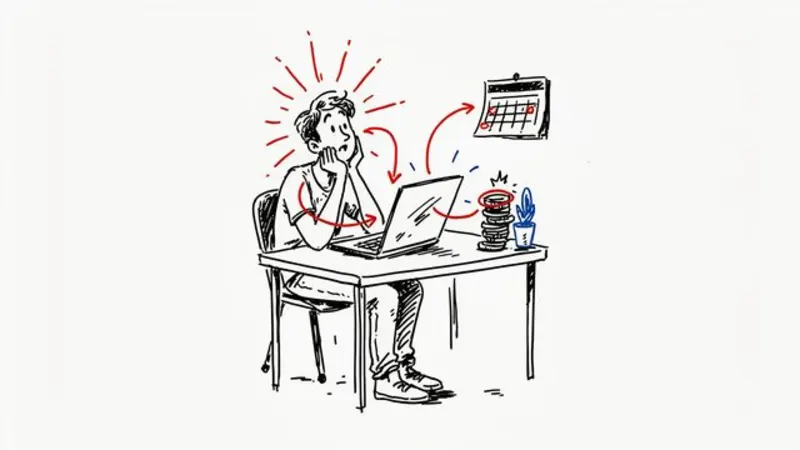
Whiteboard
Marker doodles on white
Great for Education · Finance · Self-help
AI images · Fast cuts · No music
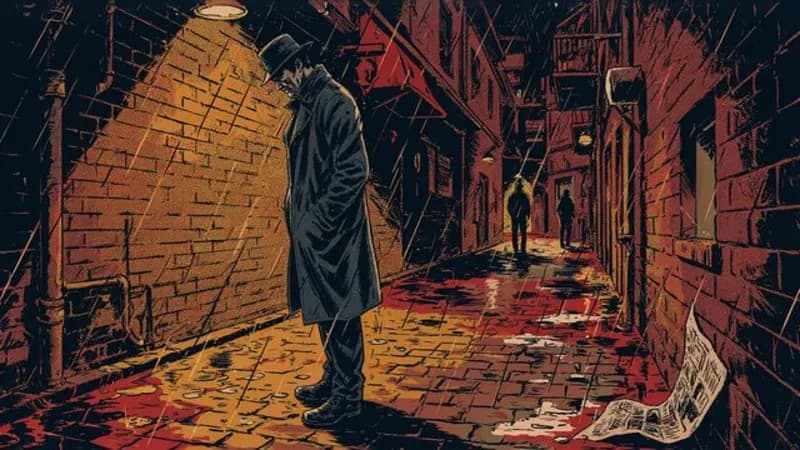
Comic Book
Inked panels, halftone shading
Great for Heists · Legends · Action stories
AI images · Natural pace · Music
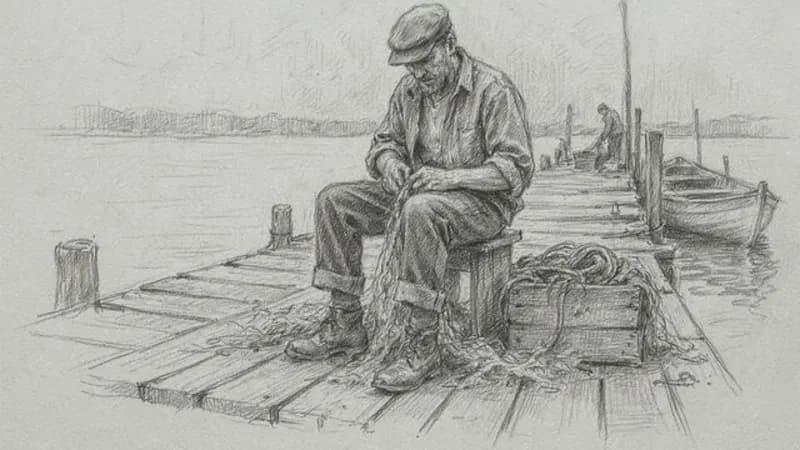
Pencil Sketch
Graphite drawing on paper
Great for Biographies · Letters · Stories
AI images · Natural pace · Music
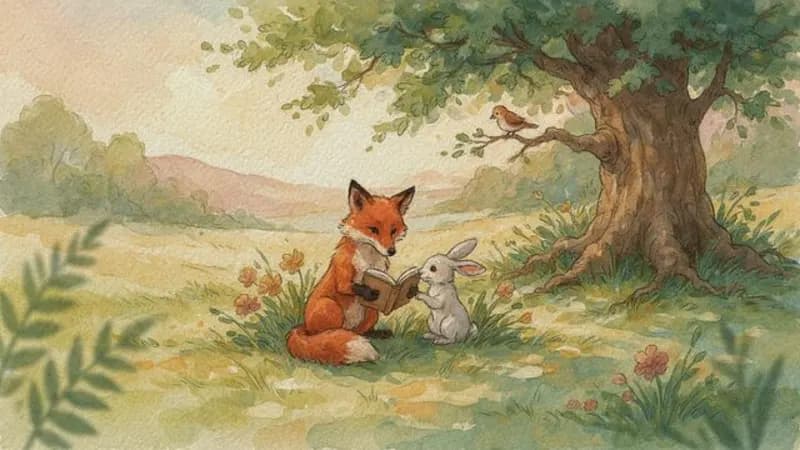
Watercolor
Soft storybook washes
Great for Bedtime stories · Calm content
AI images · Slow pace · Music
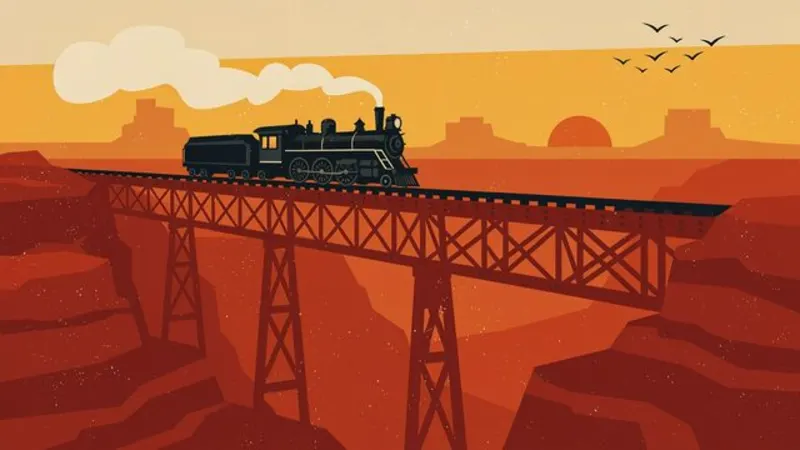
Retro Poster
Mid-century screen-print look
Great for Travel · Space race · Nostalgia
AI images · Natural pace · Music
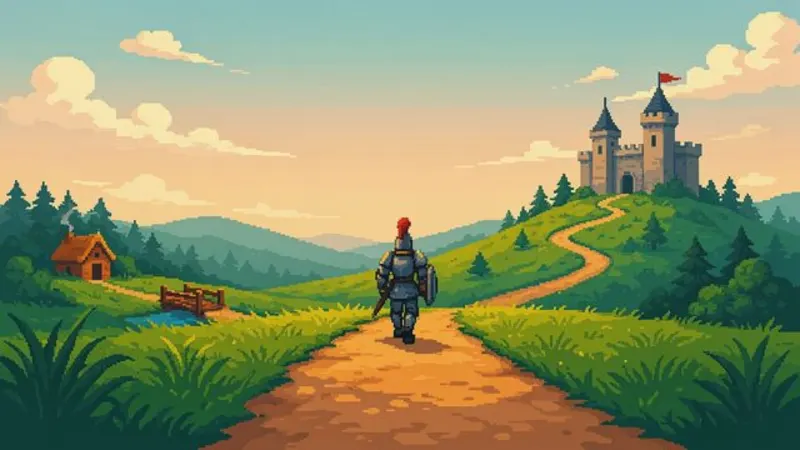
Pixel Art
16-bit retro game scenes
Great for Gaming · Retro · Kids stories
AI images · Fast cuts · Music
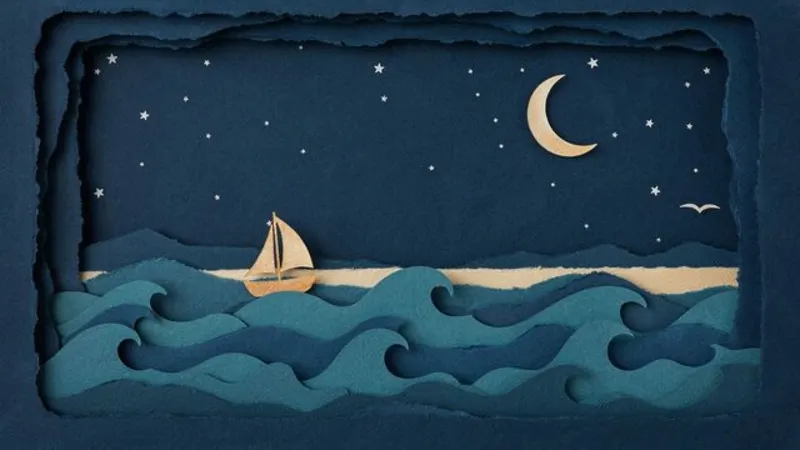
Paper Cutout
Layered handmade paper
Great for Fairy tales · Nature
AI images · Natural pace · Music
3D
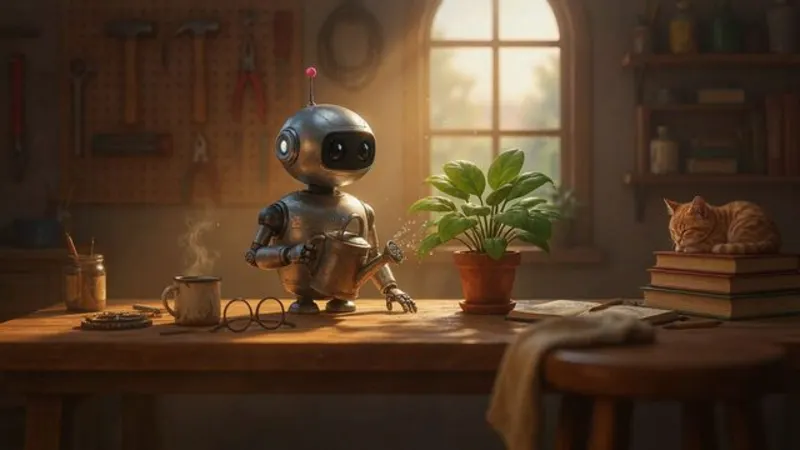
3D Animation
Animated-movie characters
Great for Kids · Fun facts · Stories
AI images · Natural pace · Music
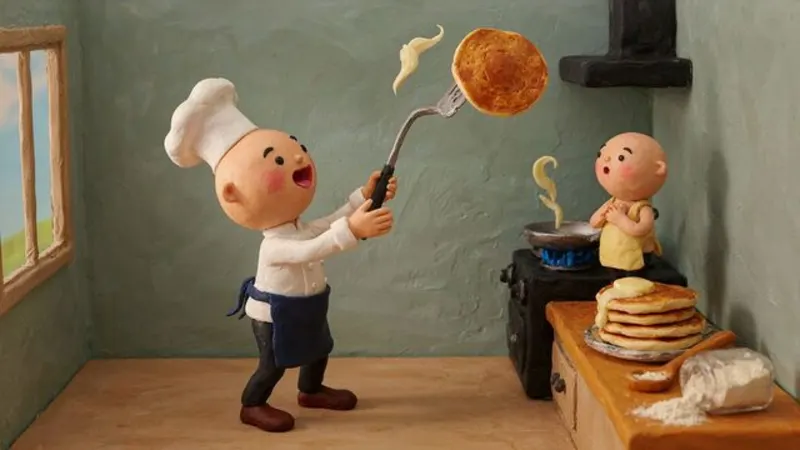
Claymation
Handmade stop-motion clay
Great for Food · Funny · Kids
AI images · Natural pace · Music
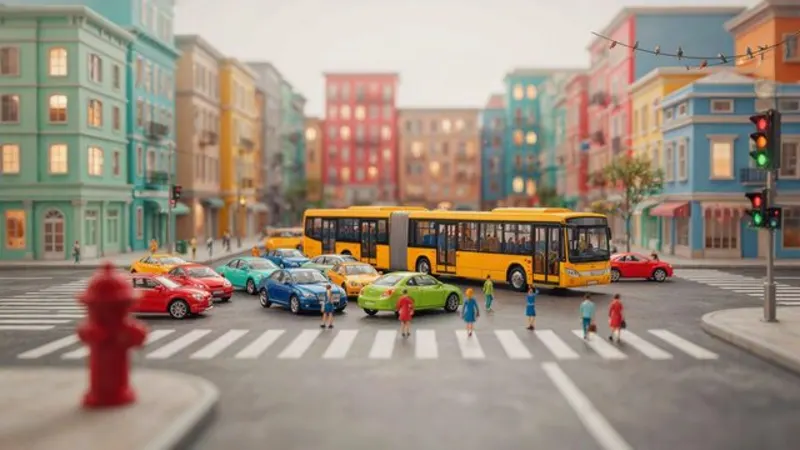
Miniature World
Tilt-shift toy diorama
Great for Cities · Economics · Logistics
AI images · Natural pace · Music
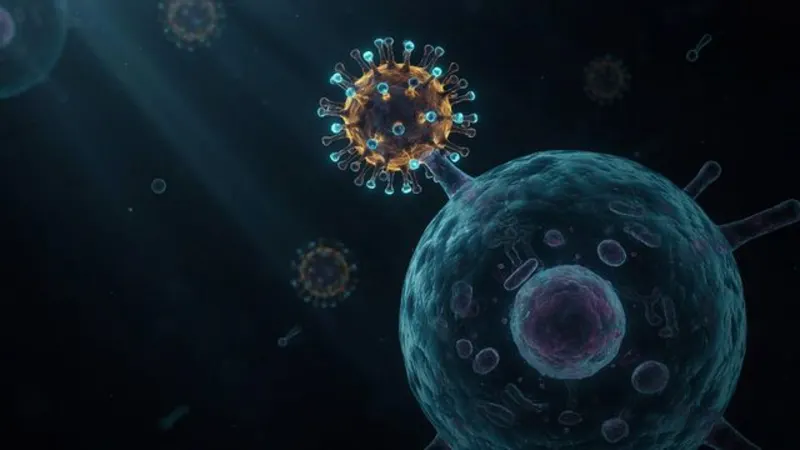
Science 3D
Microscopic medical renders
Great for Health · Biology · Medicine
AI images · Natural pace · Music
Art
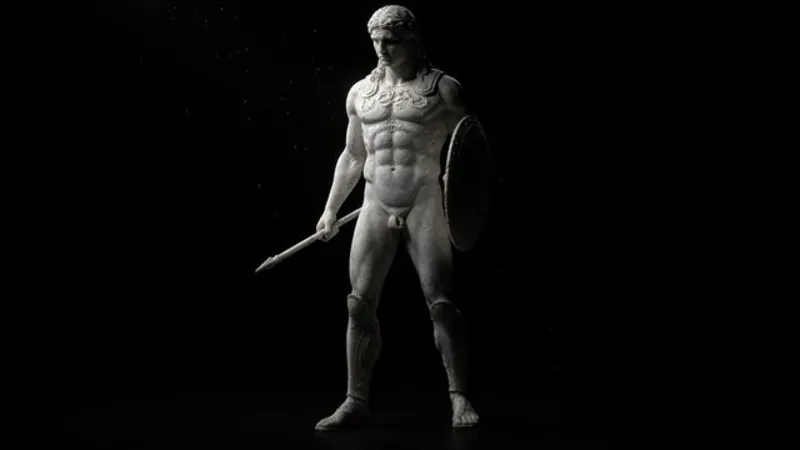
Marble Statues
Greek sculpture, stoic mood
Great for Stoicism · Motivation · Discipline
AI images · Slow pace · Music
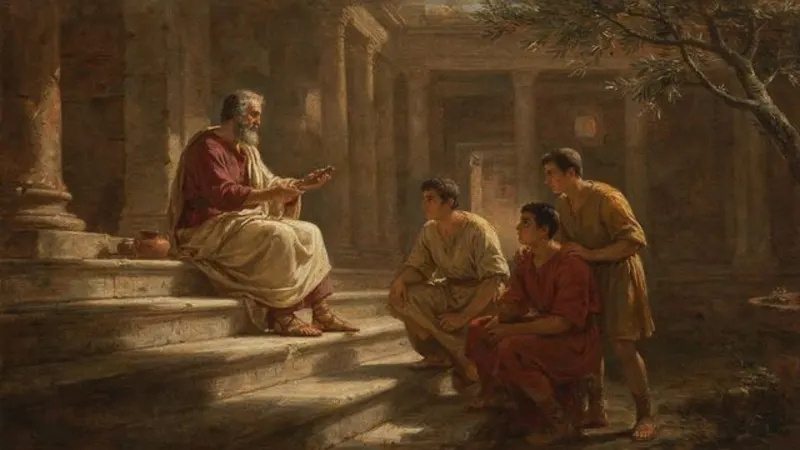
Classical Painting
Old-master oil paintings
Great for History · Philosophy · Empires
AI images · Slow pace · Music
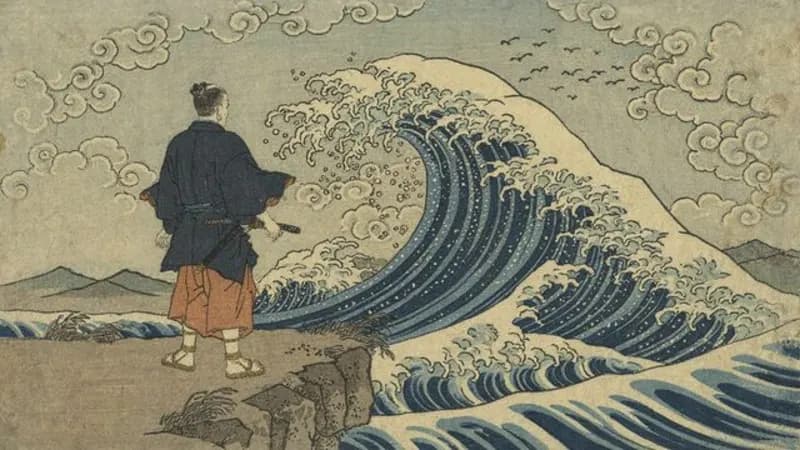
Ukiyo-e
Japanese woodblock prints
Great for Japan · Legends · History
AI images · Slow pace · Music
How styles work
- What is a video style in ShortFast?
- A style decides what every scene is made of and how it looks: real stock footage, AI video, or AI images drawn in one fixed art style such as stick figures or anime. It also sets how often the visual changes, whether background music plays and whether scenes cut or transition. You can change each of those.
- Does every scene in a video keep the same look?
- Yes. In an art style, the style's direction leads every image, and the AI that splits your script into scenes writes a shared palette, setting and recurring characters inside that style, so the first and last scene look like the same video.
- Can I animate the images?
- Yes, for the art styles. Animate images turns every scene into a short AI video clip in the same style. It uses more credits because it is billed per second of video, and it is available for videos up to 2 minutes.
- Can a style run on autopilot?
- Any style can be an automated series: one theme, a new video on a schedule, each episode on a new topic. The videos are emailed to you or posted to TikTok, YouTube Shorts and Instagram Reels.
Pick a style, get a video
Describe a topic and ShortFast writes the script, draws every scene in your style, adds the voice and captions, and can post it for you every day.