AI Pixel Art Video Generator
Turn a topic or script into a narrated video drawn as 16-bit retro game scenes, with captions, fast cuts and a hero who stays recognizable.
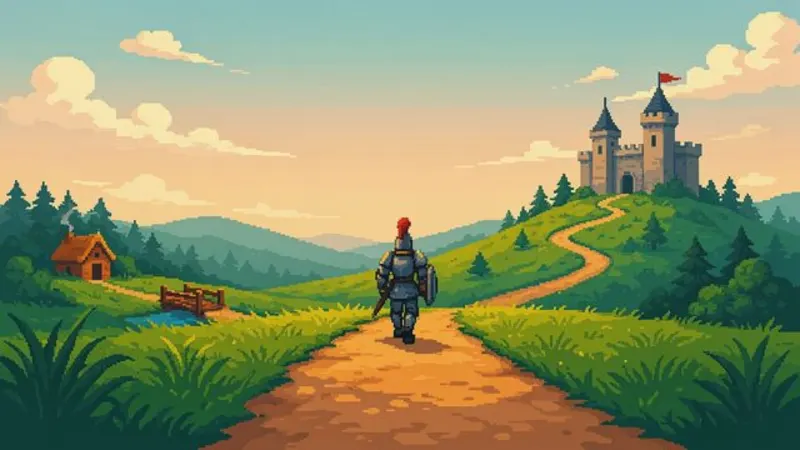
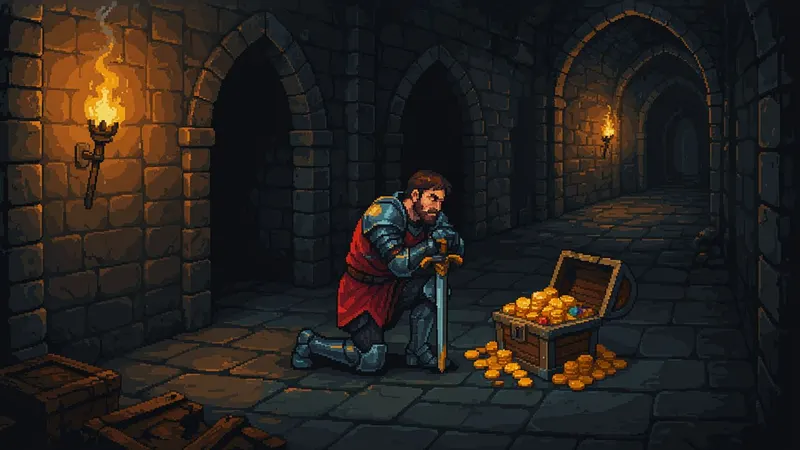
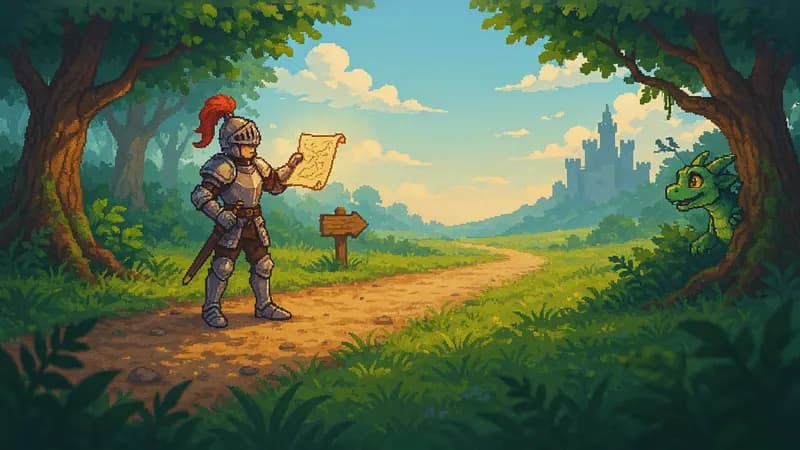
AI images · Fast cuts · Music · Transitions · Can be animated
Opens ShortFast with the Pixel Art style selected. Create an account to generate.
Create a pixel art videoPixel art turns every scene into a frame from a 16-bit era game: chunky pixels, a limited palette, side-on views, tiled backgrounds and small characters with big personalities. For anyone who grew up with cartridge games it is instant recognition, and for kids it simply reads as a game. That makes it a strong fit for gaming history, retro culture and short adventure stories.
ShortFast builds the video from a topic or your own script. It writes the narration or keeps your words exactly, picks a voice, burns in captions, adds music and draws each scene as a new pixel art image. The scene planner fixes the hero, the world and a shared palette before any image is made, so the knight in scene one is still the same knight when the quest ends.
Making a pixel art video
- 01
Describe the topic or paste a script
Start from an idea such as "The history of video games in 60 seconds", or paste a script you already wrote and ShortFast keeps your words.
- 02
The AI splits it into scenes
Every scene gets its own picture, and a shared palette, setting and recurring characters keep each image in the Pixel Art look from the first scene to the last.
- 03
Voice, captions and pacing
Pick one of 21 narration voices. Captions are burned in, and the Pixel Art defaults (fast cuts, background music, transitions) are already set. You can change any of them.
- 04
Download, post or run a series
Download the video, auto-post it to TikTok, YouTube Shorts and Instagram Reels, or turn the theme into an automated series that makes a new episode on a schedule.
Why pixels still stand out on a modern feed
Short-form feeds are full of photoreal footage and polished 3D. A screen of chunky pixels stands out against that because it looks deliberately different. The style is also easy to read on a small screen: flat colors, hard edges and simple silhouettes survive compression and a quick glance better than fine detail does.
Pixel art carries a strong built-in meaning. It says games, play and a particular stretch of the past, so it frames a topic before the narrator says a word. A story about how home consoles took over living rooms, or a kids' tale about a knight's quest, feels right in pixels because the look and the subject share the same world.
The limited palette is part of the appeal. Real 16-bit graphics had to work within a small set of colors, and that constraint is what gave them their character. A video that sticks to one palette across every scene feels like a single game with its own world, rather than a collage of unrelated sprites pulled from different places.
Gaming history, retro nostalgia and kids' adventures, with one caveat
The natural home is gaming content: the history of video games in 60 seconds, how an arcade classic was made, the rise of a whole genre, or a series on the history of a classic video game, one per video. Retro culture topics like the first home computers or neighborhood arcades fit as well. For kids, a short adventure told like a game level is easy to follow.
One caveat for gaming channels: the images are original AI drawings in a pixel style, not screenshots or official character art from the games you talk about. That is good for originality, since you are not reusing anyone's footage. But if a video only works by showing real gameplay or a specific character, this style is the wrong tool for that video.
It is also a poor match for serious or sensitive subjects. A health explainer, a financial warning or a true crime story told in playful pixels can feel flippant. Topics that rely on realistic faces or fine texture, like fashion or food, lose too much in the conversion to pixels, so choose a different look for them.
Fast cuts, short levels: pacing a pixel art video
This style defaults to a fast pace, with a new image every 2 to 4 seconds, plus music and transitions on. Pixel scenes are simple to read, so the viewer takes each one in quickly, and a steady stream of new frames keeps the energy of a game. An upbeat music bed does a lot of the work of making it feel like one. You can slow the pace or turn either setting off.
At that speed, a 60 second video needs somewhere between 15 and 30 scenes, so write the script in short, visual beats. Think of it as levels: a title screen hook, a few stages with rising stakes, a boss moment and a clear ending. A line like "Level one: a garage, two friends and a borrowed computer" gives every scene an obvious picture.
Open with the most surprising fact or the moment of danger, not the backstory. For kids' stories, keep one hero, one goal and one obstacle per video, and let the fast cuts carry the fun. For gaming history, the 1 to 2 minute length leaves room to cover a few eras without rushing through them.
Run it as an automated series
Give ShortFast one theme and it makes a new pixel art video on a schedule, every day, twice a day or a few times a week. Each episode covers a new topic on the theme, and the video is emailed to you or posted to your accounts. Themes that work well in this style:
- The history of a classic video game, one per video
- A short retro adventure story every day
Niches that suit this style
Gaming
A playbook for a faceless gaming channel: news, lore and tips explained through narration, with honest notes on footage rights, formats, hooks, a sample script and earning ranges.
Open NicheKids Learning
A playbook for a faceless kids learning channel: alphabet, numbers and animal explainers built on real footage, with formats, hooks, a sample script and a practical guide to made-for-kids rules and their effect on revenue.
OpenCommon questions
- Can I make a video about a real game in pixel art?
- Yes, as a topic. ShortFast writes and narrates the story and draws new pixel scenes that evoke the era, but they are not screenshots or official character art. Describe players, arcades, studios and original characters in your script rather than asking for a specific trademarked character, and the visuals stay your own.
- Does the main character stay the same across the video?
- The scene planner handles that. Before drawing, it writes a shared palette, setting and description of each recurring character, and the pixel art direction leads every image prompt. So your hero keeps the same outfit, colors and proportions from the first level to the last. Minor differences between frames can still happen, especially in crowded scenes.
- Will a pixel art gaming channel get monetized?
- There is no guarantee for any channel. Platforms reward original, non-repetitive content with real value to viewers, so the script matters more than the style: research each topic, bring a clear angle and avoid uploading near-identical videos. Original pixel scenes help, since you are not reusing someone else's gameplay footage.
- Can I animate the pixel scenes or post them as a series?
- Animate images turns each scene into a short AI video clip in the same pixel style, for videos up to 2 minutes, and costs more credits since it is billed per second of video. For a series, choose a theme like a short retro adventure story every day, and ShortFast makes a new episode on a new topic on your schedule, then posts it or emails you a link.
Other illustrated styles
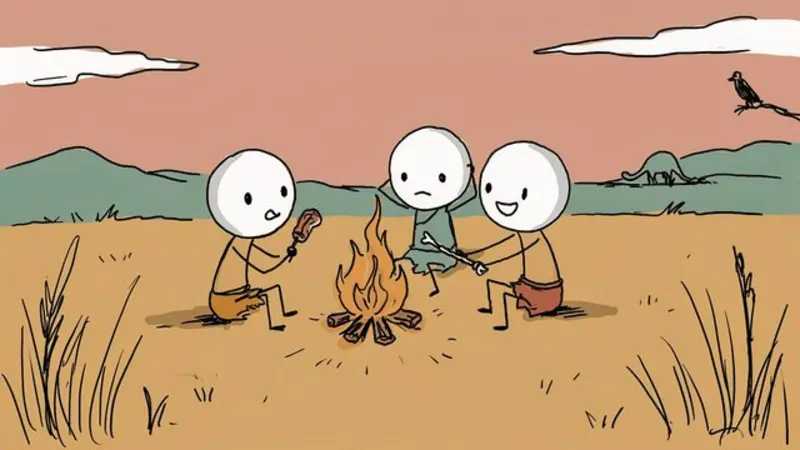
Stick Figures
Hand-drawn doodle characters
Great for History · Psychology · Explainers
AI images · Fast cuts · No music
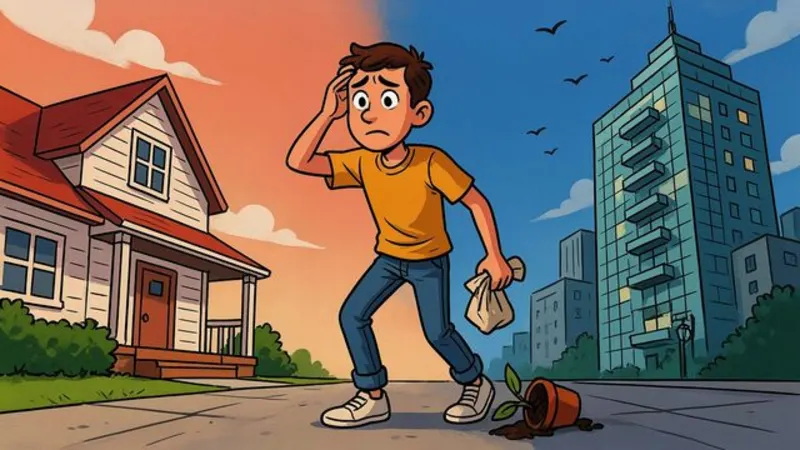
Cartoon Explainer
Bold, expressive YouTube cartoon
Great for Finance · Business · Explainers
AI images · Natural pace · No music
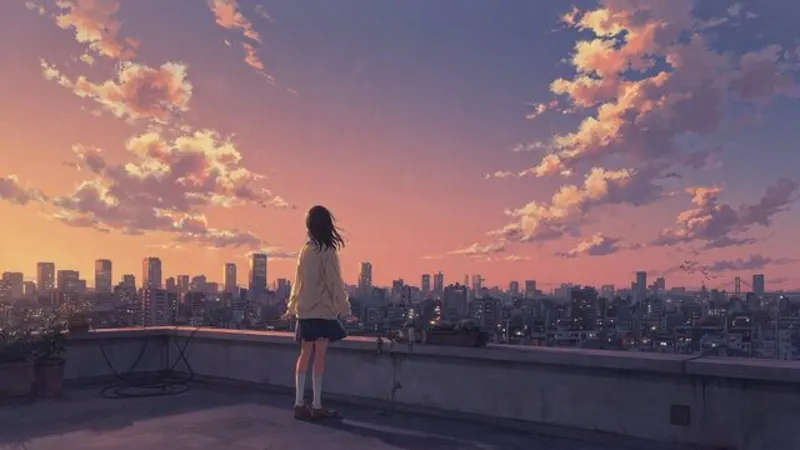
Anime
Cel-shaded, painted skies
Great for Stories · Life lessons
AI images · Natural pace · Music
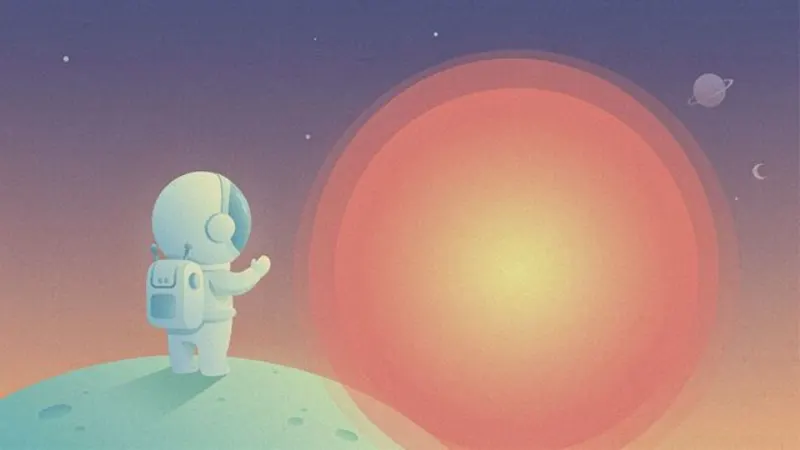
Flat Vector
Clean shapes, science-explainer look
Great for Science · Space · How it works
AI images · Natural pace · Music
Make your first pixel art video
ShortFast writes the script, draws every scene in this style, adds the voice and captions, and can post it for you every day.