AI Flat Vector Video Generator
Turn a science question, a what-if or a how-it-works topic into a narrated explainer drawn in clean, bright flat vector shapes.
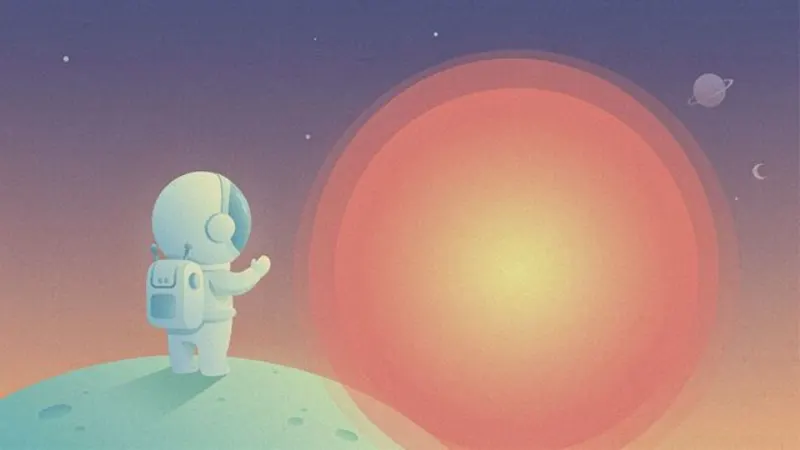

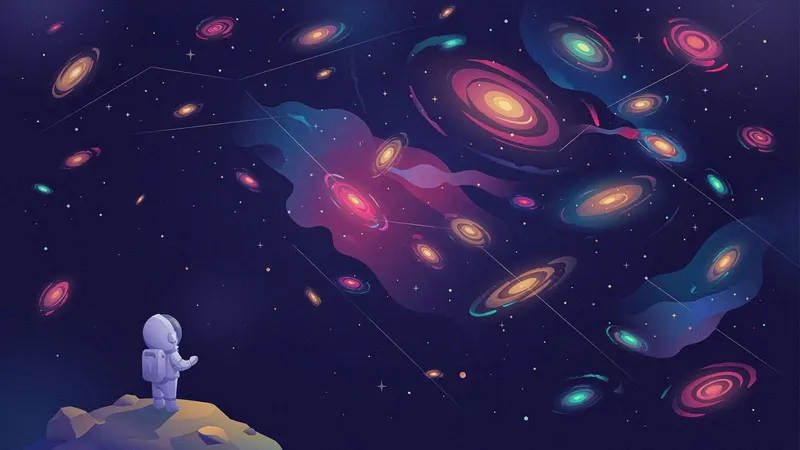
AI images · Natural pace · Music · Transitions · Can be animated
Opens ShortFast with the Flat Vector style selected. Create an account to generate.
Create a flat vector videoFlat vector illustration builds every scene from clean geometric shapes: no outlines, bright harmonious color, soft gradients and a light grain for texture. It is the modern science-explainer look, the one that makes a planet, a white blood cell and a city skyline feel like parts of the same world. Minimal detail keeps each frame about one idea, which is exactly what a question like "what if the Moon disappeared?" needs.
ShortFast makes these videos from a topic or a pasted script. It writes the explanation or keeps yours word for word, picks a narration voice, splits it into scenes and draws each one as a flat vector illustration with a shared palette and recurring elements. Music and smooth transitions are on by default, captions are burned in, and the video downloads or posts to TikTok, YouTube Shorts and Instagram Reels.
Making a flat vector video
- 01
Describe the topic or paste a script
Start from an idea such as "What would happen if the Moon disappeared?", or paste a script you already wrote and ShortFast keeps your words.
- 02
The AI splits it into scenes
Every scene gets its own picture, and a shared palette, setting and recurring characters keep each image in the Flat Vector look from the first scene to the last.
- 03
Voice, captions and pacing
Pick one of 21 narration voices. Captions are burned in, and the Flat Vector defaults (natural pace, background music, transitions) are already set. You can change any of them.
- 04
Download, post or run a series
Download the video, auto-post it to TikTok, YouTube Shorts and Instagram Reels, or turn the theme into an automated series that makes a new episode on a schedule.
Clean shapes make invisible things visible
A lot of science happens where no camera can go: inside a cell, across a galaxy, a billion years ago. Flat vector solves this by not pretending to be real. An antibody becomes a simple Y shape, the Earth a blue circle, an orbit a curved line. Stripping things down to shapes lets the viewer see the mechanism instead of the texture, which is the whole point of an explanation.
Color does the organizing. With a harmonious palette and no outlines, related things share a hue and the thing that matters is the one that contrasts. A red virus against a field of blue cells needs no label. Soft gradients and a little grain keep the frames from looking like clip art, so the video feels designed rather than assembled.
The look also handles scale well. Because every object is drawn at the same level of simplicity, a person, a planet and a star can share one frame and the size comparison reads instantly. That is why the style is so common for questions about how big, how old or how far away something is.
Science, space and how-it-works questions
The best topics start with a question the viewer has half-wondered about: what would happen if the Moon disappeared, how vaccines teach your body to fight, just how big the universe is, why the sky is blue, how a fridge keeps food cold. Space, biology, physics, the human body and everyday technology all fit. So does kids learning content, where bright shapes and clear cause and effect keep younger viewers following along.
Health explainers work too, as long as the script is careful. A flat illustration of the immune system is clear and not graphic, which suits a general audience better than a realistic medical render. Check every claim against a reliable source before it goes into a script, since science viewers correct mistakes quickly and publicly.
It is not built for drama or mood. A true crime case, a war story or a motivational speech loses its weight when drawn as friendly geometric shapes. It also cannot show a specific real product, person or place, so topics that depend on seeing the real thing belong in a footage or photoreal style.
Scripting a what-if explainer that keeps people watching
What-if and how-it-works videos run on a chain of consequences. State the premise in the first line, then give each consequence its own sentence: the tides shrink, the nights get darker, the planet's tilt becomes less stable. One consequence per scene lets the illustrations follow the logic step by step, and the viewer stays to find out where the chain ends.
The defaults are normal pace, music on and transitions on. Normal pace changes the image when the idea moves on, around every five seconds, which gives a diagram-like frame time to be read. A light music bed and smooth transitions suit the curious, unhurried tone of science content. For bigger questions, 2 to 3 minutes works well, and the Advanced plan allows 8 to 15 minutes.
Within a video, the AI that splits the script into scenes writes a shared palette, setting and recurring elements inside the flat vector style, so the same Earth and the same Moon appear from the first frame to the last. Animate images turns each illustration into a short clip in the same style for videos up to 2 minutes, at a higher credit cost.
Run it as an automated series
Give ShortFast one theme and it makes a new flat vector video on a schedule, every day, twice a day or a few times a week. Each episode covers a new topic on the theme, and the video is emailed to you or posted to your accounts. Themes that work well in this style:
- One 'what if' science question per video
- How everyday things work, a new one each time
Niches that suit this style
Facts
A playbook for running a faceless facts channel: formats that add editorial value, ready-to-use hooks, a full sample script, what to put on screen, and an honest look at RPM and YouTube's inauthentic-content rules.
Open NicheHealth
A playbook for a faceless health channel: fitness, sleep and nutrition explainers that stay inside accepted guidance, with formats, hooks, a sample script and realistic earning ranges.
Open NicheKids Learning
A playbook for a faceless kids learning channel: alphabet, numbers and animal explainers built on real footage, with formats, hooks, a sample script and a practical guide to made-for-kids rules and their effect on revenue.
OpenCommon questions
- How do you show scale in a flat vector video?
- Put the objects being compared in the same frame at the same level of simplicity, then step up one size per scene: a person next to a mountain, the mountain next to the Earth, the Earth next to the Sun. Because flat shapes carry no distracting detail, the jump in size is what the viewer notices, and the narration supplies the numbers.
- Will the illustrations share one palette and look?
- Yes, that is built into how scenes are planned. The flat vector art direction leads every image prompt, and when ShortFast splits your script it writes a shared palette, setting and recurring elements inside the style. The Earth in scene two is drawn the same way in scene twelve, so the explainer looks like one piece rather than a collection of stock illustrations.
- Can flat vector science videos made with AI be monetized?
- Nothing guarantees it. Platforms reward original, non-repetitive videos with real value, and science channels have a clear route to that: a researched, accurate script per question and topics that do not repeat. What monetization policies exclude is mass-produced content where each upload is the same video with different nouns, not the use of an AI tool as such.
- Can I run a science question series automatically?
- Yes. Pick a theme such as one 'what if' science question per video, or how everyday things work with a new one each time, and a schedule: every day, twice a day, three times a week or weekly. Each episode covers a new topic on the theme and is emailed to you with a download link or posted automatically.
Other illustrated styles
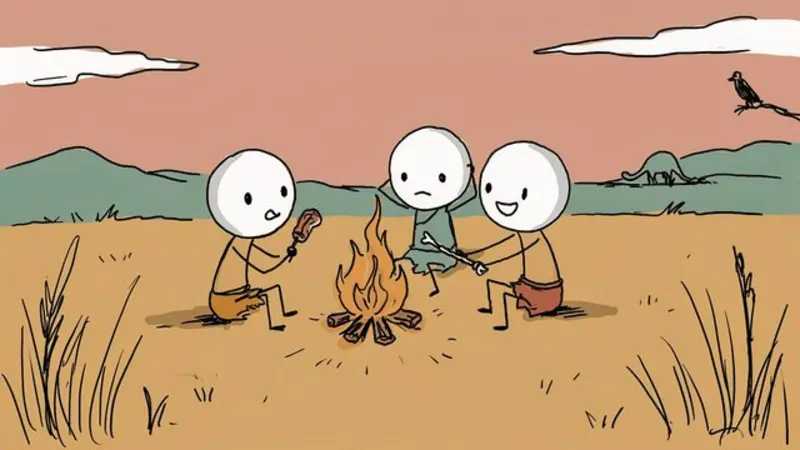
Stick Figures
Hand-drawn doodle characters
Great for History · Psychology · Explainers
AI images · Fast cuts · No music
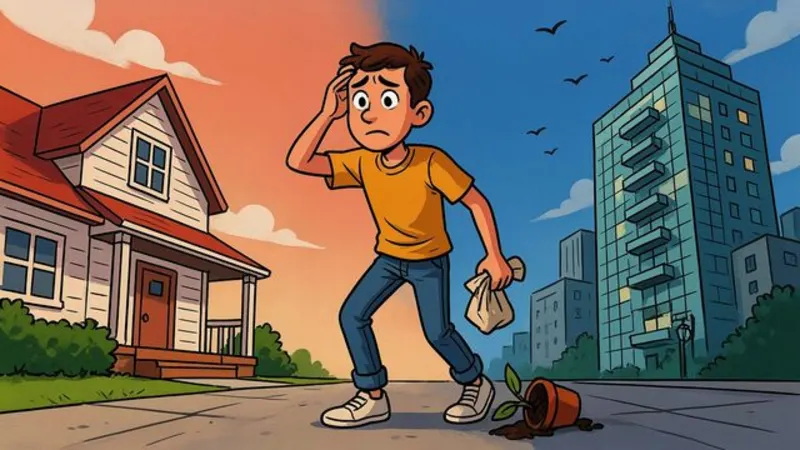
Cartoon Explainer
Bold, expressive YouTube cartoon
Great for Finance · Business · Explainers
AI images · Natural pace · No music

Anime
Cel-shaded, painted skies
Great for Stories · Life lessons
AI images · Natural pace · Music
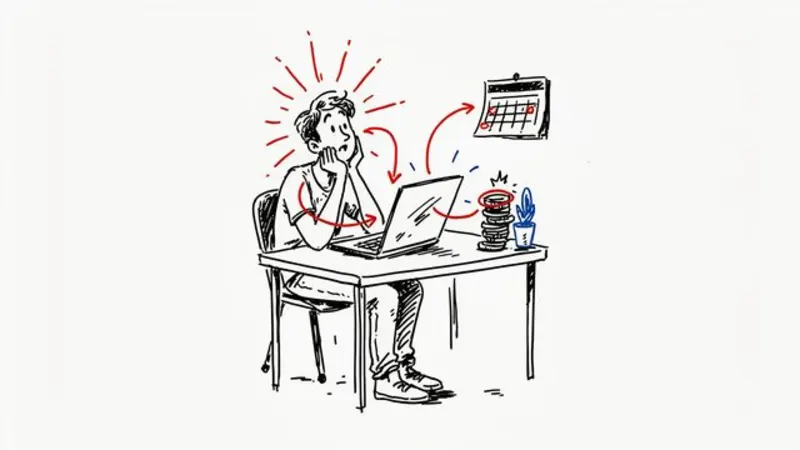
Whiteboard
Marker doodles on white
Great for Education · Finance · Self-help
AI images · Fast cuts · No music
Make your first flat vector video
ShortFast writes the script, draws every scene in this style, adds the voice and captions, and can post it for you every day.