AI Whiteboard Animation Video Generator
Turn a lesson, a money concept or a self-help idea into a narrated whiteboard video, with a fresh marker sketch on every step.
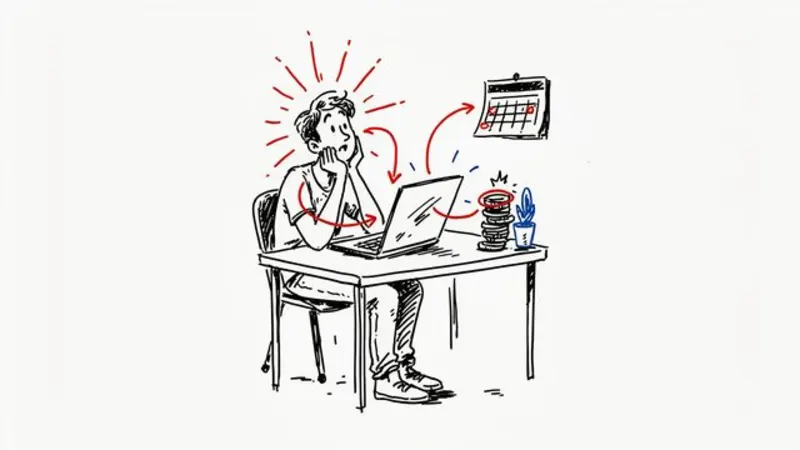
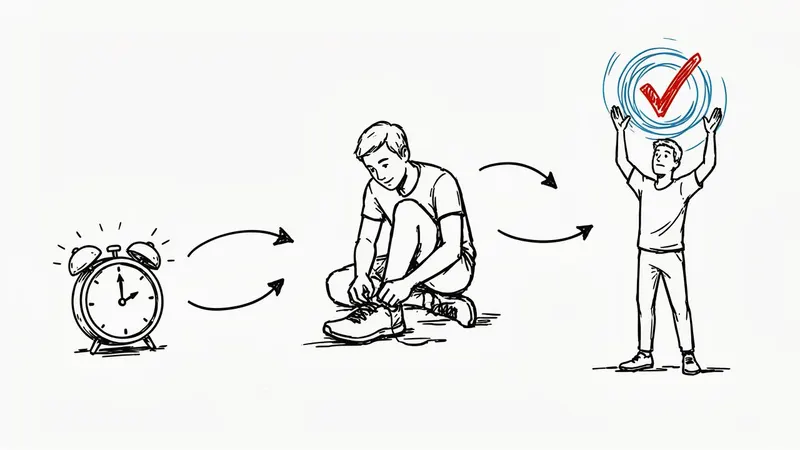
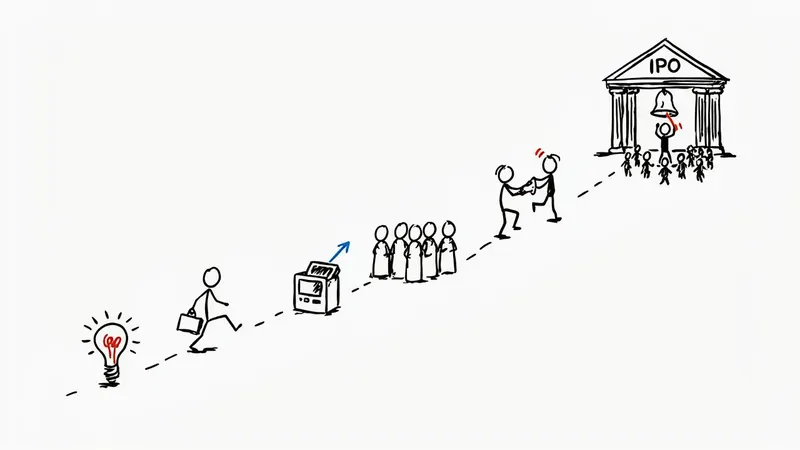
AI images · Fast cuts · No music · Hard cuts · Can be animated
Opens ShortFast with the Whiteboard Animation style selected. Create an account to generate.
Create a whiteboard animation videoWhiteboard videos look like a teacher's best sketch: black marker lines on a clean white surface, with a touch of red and blue to point at what matters. Arrows, simple figures, coins, graphs and small icons do the explaining. The look tells viewers they are about to learn something before a word is spoken, which is why trainers, educators and finance explainers have leaned on it for so long.
ShortFast builds a whiteboard video from a topic or a script you paste. It writes or keeps the narration, picks a voice, splits the lesson into scenes and draws a new marker sketch for each step, all in the same pen style on white. Captions are burned in. One thing to know: each scene is a finished drawing rather than a hand tracing the lines in real time, so fast cuts do the job the drawing hand used to do.
Making a whiteboard animation video
- 01
Describe the topic or paste a script
Start from an idea such as "How compound interest actually works", or paste a script you already wrote and ShortFast keeps your words.
- 02
The AI splits it into scenes
Every scene gets its own picture, and a shared palette, setting and recurring characters keep each image in the Whiteboard look from the first scene to the last.
- 03
Voice, captions and pacing
Pick one of 21 narration voices. Captions are burned in, and the Whiteboard defaults (fast cuts, no music, hard cuts) are already set. You can change any of them.
- 04
Download, post or run a series
Download the video, auto-post it to TikTok, YouTube Shorts and Instagram Reels, or turn the theme into an automated series that makes a new episode on a schedule.
Why a white background makes ideas easier to follow
A whiteboard frame has almost nothing in it. There is no scenery, lighting or texture competing for attention, so whatever is drawn is the only thing to look at. That makes the style unusually good at showing structure: a process running left to right, a cause pointing to an effect, a small pile of coins growing into a large one. Viewers read the diagram and hear the explanation at the same time.
The red and blue accents matter more than they seem to. In a frame that is otherwise black on white, one red circle or blue arrow tells the eye exactly where to go. It is the visual equivalent of a teacher tapping the board, and it keeps a busy concept readable on a phone screen.
The style also carries authority without feeling stiff. It reads as a lesson, not an advertisement, which helps with money and self-help topics where viewers are wary of being sold to and quick to scroll past anything that looks like a pitch.
Lessons, money concepts and habits, not stories
Whiteboard works best when the script teaches a concept with parts: how compound interest actually works, the psychology of habits in three steps, how a startup goes from idea to IPO, how a loan is priced. Anything you would explain by drawing on a napkin fits. Numbered frameworks and step-by-step processes are its strongest format.
Self-help and productivity content works when the script turns the idea into a mechanism, such as a trigger, a routine and a reward drawn as a loop. Pure encouragement with no structure works less well, because there is nothing for the marker to draw beyond a smiling face.
It is a weak choice for narrative. A dramatic story, a mystery or a character arc wants mood, color and faces, and a sketch on white cannot build tension. It is also wrong for anything visual in itself, like travel, food or fashion. If your topic is a story with people in it, the stick figure or cartoon explainer styles will carry it further.
Pacing a whiteboard lesson: one point, one sketch
The style defaults to fast pace, no music and no transitions. A new sketch every two to four seconds replaces the drawing hand of traditional whiteboard animation: instead of watching one diagram build slowly, the viewer sees each step arrive as its own frame. With no music bed the explanation stays clear, and a hard cut feels like turning to a fresh page of the board.
Script it the way you would teach it. Start with the payoff ("Saving $100 a month adds up faster than you think, and it is not luck"), give each step its own sentence so it gets its own sketch, then restate the rule at the end so it sticks. Keep the words in the captions: AI images are unreliable at writing text, so let the drawings carry the ideas and the captions carry the numbers.
For a longer lesson, pick 2 to 3 minutes and switch the pace to normal so each diagram holds for about five seconds. The Animate images option can turn each sketch into a short clip in the same marker style for videos up to 2 minutes. It adds movement to the scene and costs more credits, billed per second of video.
Run it as an automated series
Give ShortFast one theme and it makes a new whiteboard animation video on a schedule, every day, twice a day or a few times a week. Each episode covers a new topic on the theme, and the video is emailed to you or posted to your accounts. Themes that work well in this style:
- One money concept explained per video
- A productivity habit a day
Niches that suit this style
Finance
A playbook for running a faceless finance channel: personal finance, investing and money explainers built from stock footage and narration. Formats, hooks, a sample script, RPM ranges and the monetization path.
Open NicheHealth
A playbook for a faceless health channel: fitness, sleep and nutrition explainers that stay inside accepted guidance, with formats, hooks, a sample script and realistic earning ranges.
Open NicheMotivation
A playbook for a faceless motivation channel: discipline, mindset and stoic-style narration over real footage. Formats, hooks, a full sample script, RPM ranges and how to stay original at daily volume.
OpenCommon questions
- Does it draw each sketch stroke by stroke like a classic whiteboard video?
- No. Each scene is a finished marker drawing, and fast cuts between them do the pacing work. If you want motion, the Animate images option turns each sketch into a short AI clip in the same style, for videos up to 2 minutes. That adds movement to the frame, but it is not a guaranteed line-by-line hand reveal.
- Will every sketch look like it came from the same board?
- Yes, that is the goal. The whiteboard art direction, black marker on white with red and blue accents, leads every image prompt. When ShortFast splits your script into scenes it also writes a shared palette, setting and any recurring characters inside that style, so a lesson reads as one board rather than a collage of different pens.
- Can AI whiteboard videos be monetized?
- Platforms do not reject a style or a tool, but nothing guarantees monetization. They reward original, non-repetitive videos with real value and exclude mass-produced uploads that are the same video with new nouns. A whiteboard channel that explains a different concept each time, with a script written and checked for that concept, is the kind of channel those rules allow.
- Can I run a whiteboard lesson series automatically?
- Yes. Choose a theme such as one money concept explained per video, or a productivity habit a day, and a schedule: every day, twice a day, three times a week or weekly. Each episode teaches a new topic on the theme instead of repeating one. Videos arrive by email with a download link or post automatically to your connected accounts.
Other illustrated styles

Stick Figures
Hand-drawn doodle characters
Great for History · Psychology · Explainers
AI images · Fast cuts · No music
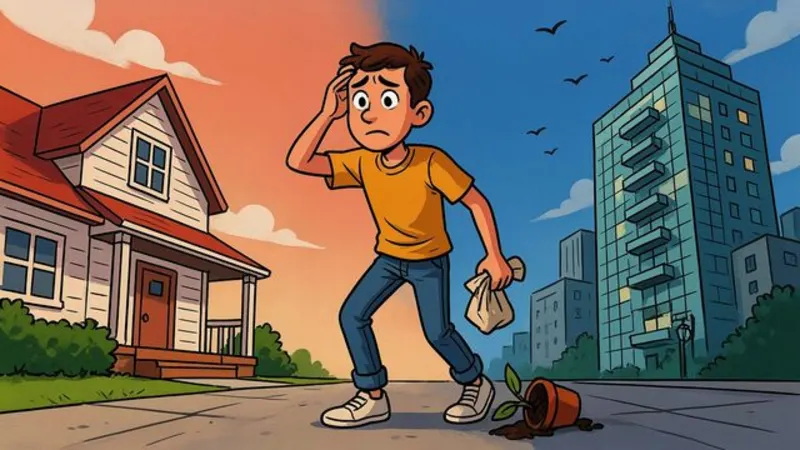
Cartoon Explainer
Bold, expressive YouTube cartoon
Great for Finance · Business · Explainers
AI images · Natural pace · No music

Anime
Cel-shaded, painted skies
Great for Stories · Life lessons
AI images · Natural pace · Music
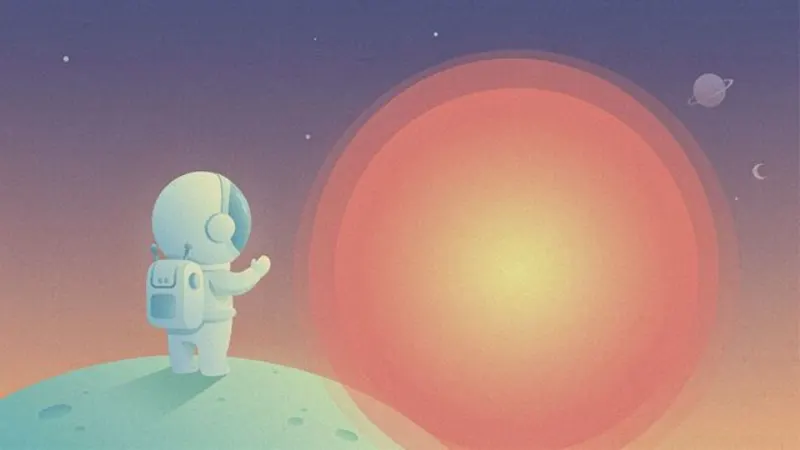
Flat Vector
Clean shapes, science-explainer look
Great for Science · Space · How it works
AI images · Natural pace · Music
Make your first whiteboard animation video
ShortFast writes the script, draws every scene in this style, adds the voice and captions, and can post it for you every day.