AI 3D Animation Video Generator
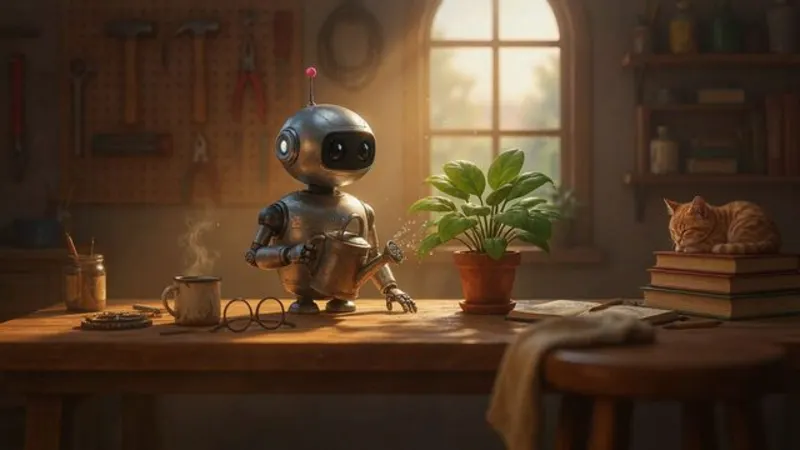
Turn a topic or a script into a narrated video where every scene is a soft-lit 3D animated frame, with the same characters from start to finish.
AI images · Natural pace · Music · Transitions · Can be animated
Opens ShortFast with the 3D Animation style selected. Create an account to generate.
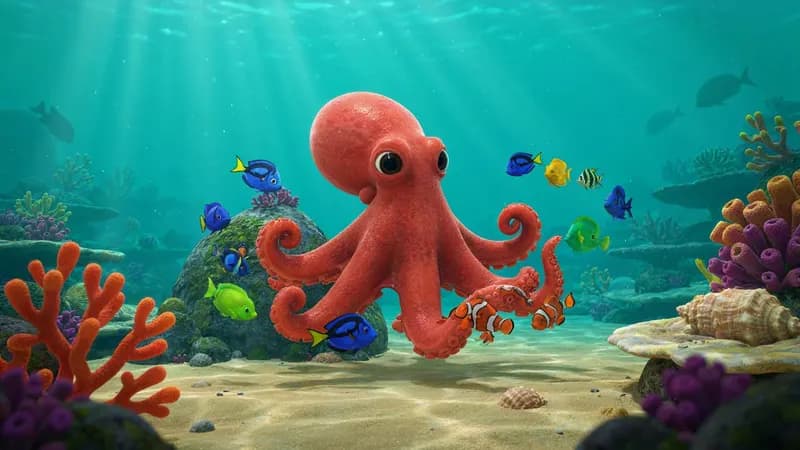
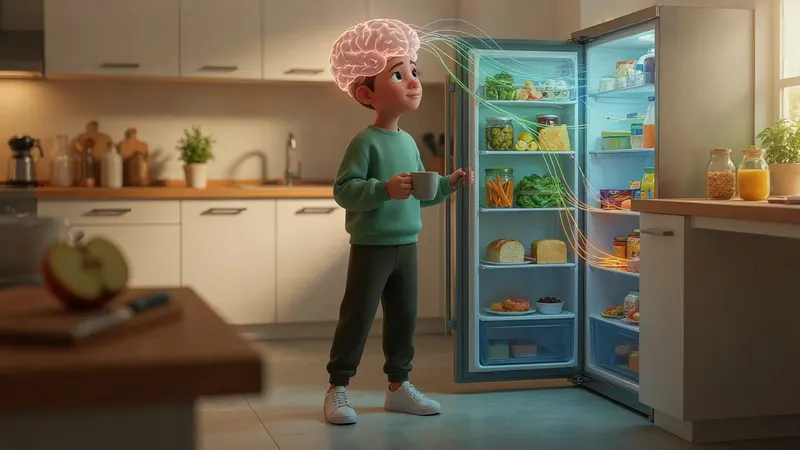
Create a 3d animation videoThis style draws every scene as a still from a big-studio animated film: rounded characters with large expressive eyes, soft global lighting, clean saturated color and a shallow depth of field that keeps attention on one subject. It reads as warm, friendly and a little premium, which is why it shows up so often in kids content, fun-fact shorts and small character stories.
ShortFast takes a topic like "5 fun facts about octopuses" or a script you paste, writes or keeps the narration, splits it into scenes and draws each one in this 3D look. The same palette and recurring characters carry through the whole video, so the little robot in scene one is still the same robot in scene twelve. Captions, a narration voice and music are added, then you download it or let it post.
Making a 3d animation video
- 01
Describe the topic or paste a script
Start from an idea such as "A little robot learns what friendship means", or paste a script you already wrote and ShortFast keeps your words.
- 02
The AI splits it into scenes
Every scene gets its own picture, and a shared palette, setting and recurring characters keep each image in the 3D Animation look from the first scene to the last.
- 03
Voice, captions and pacing
Pick one of 21 narration voices. Captions are burned in, and the 3D Animation defaults (natural pace, background music, transitions) are already set. You can change any of them.
- 04
Download, post or run a series
Download the video, auto-post it to TikTok, YouTube Shorts and Instagram Reels, or turn the theme into an automated series that makes a new episode on a schedule.
Why the animated-movie look holds attention
The 3D animated look borrows a visual grammar most viewers learned as children: oversized heads and eyes, faces that show one clear emotion at a time, and lighting that separates the subject from the background. That clarity matters on a phone screen. Someone scrolling past can read who the scene is about and how they feel in well under a second, before the narration has said anything.
It also makes abstract ideas concrete. A brain deciding what to eat becomes a tiny control room with a character pulling levers, and a fact about octopus hearts becomes an octopus holding up three glowing hearts. Turning the subject into a character is what this style does best, and it lets a thirty-second explainer feel like a small story instead of a list.
The softness is part of the appeal. Nothing looks harsh or threatening, which keeps the tone friendly even when the topic is a little serious and makes the videos comfortable to watch with a family audience. For adult viewers, the same softness makes a lesson feel like light entertainment rather than a lecture.
Kids, fun facts and character stories, and where 3D looks wrong
It fits anything with a character at the center or a subject that benefits from being made cute: kids learning channels, animal facts, simple science for younger viewers, bedtime-style stories, and recurring character series like "A little robot's adventures, one episode per video." It also works for light explainers aimed at adults, such as how habits form, where a friendly character softens the lesson.
It is a poor fit for true crime, serious news, or money advice that needs to look credible. A cheerful animated character narrating a tragedy reads as tone-deaf. For those topics a cinematic, documentary or dark mystery style will serve the script better, and you can pick a different style before generating.
Keep it for invented characters, animals and objects. Real public figures drawn in this look tend to come across as caricatures. And if the videos are aimed at children, set the made-for-kids designation where the platform asks for it, since that changes how comments and ads work on those videos.
Scripting and pacing a 3D animated short
Give the video one main character and introduce it early, even if it is just "a little robot" or "an octopus named Pip." The scene planner uses that to keep the character consistent across images, and viewers follow a character more readily than a topic. Open on the character in a situation, not on the lesson: "This robot has never had a friend" beats "Today we learn about friendship."
The style starts on a normal pace, with music and transitions on. Normal pace means a new image when the idea moves on, around every five seconds, which gives each frame time to be read without dragging. Music and soft transitions suit the storybook feel. For a quick list of facts, switch to fast pace so each fact gets its own frame; for a bedtime story, slow pace lets each scene breathe.
Under one minute, that works out to roughly eight to twelve scenes with one idea each. If you want motion rather than stills, the Animate images option turns each scene's image into a short clip in the same 3D look. It costs more credits, billed per second of video, and is available for videos up to two minutes.
Run it as an automated series
Give ShortFast one theme and it makes a new 3d animation video on a schedule, every day, twice a day or a few times a week. Each episode covers a new topic on the theme, and the video is emailed to you or posted to your accounts. Themes that work well in this style:
- A fun fact for kids every day
- A little robot's adventures, one episode per video
Niches that suit this style
Facts
A playbook for running a faceless facts channel: formats that add editorial value, ready-to-use hooks, a full sample script, what to put on screen, and an honest look at RPM and YouTube's inauthentic-content rules.
Open NicheKids Learning
A playbook for a faceless kids learning channel: alphabet, numbers and animal explainers built on real footage, with formats, hooks, a sample script and a practical guide to made-for-kids rules and their effect on revenue.
OpenCommon questions
- How do I get expressive characters instead of stiff ones?
- Write the emotion into the script. Lines like "the robot's eyes go wide" or "the octopus hides behind a rock, embarrassed" give the scene writer something to draw, and the image prompt picks it up. Scripts that only state facts tend to produce characters standing still and facing the camera. One clear feeling per scene is enough.
- Will the same character look the same in every scene?
- ShortFast plans the whole video before drawing it. The AI that splits your script into scenes writes a shared palette, setting and recurring characters, and the 3D art direction leads every image prompt. That keeps the look and the main character consistent. Small differences between frames can still happen, so describe your character clearly in the first line or two.
- Can I monetize 3D animated videos made with AI?
- Platforms decide that, and no tool can guarantee it. What they reward is original, non-repetitive content that gives viewers something real: a story that is actually yours, facts that are checked, a recurring character with a personality. A channel where every upload is the same template with the nouns swapped is the pattern their policies are written to catch.
- Can I run a 3D animated series automatically, or make the scenes move?
- Both. Set up an automated series on one theme, such as a fun fact for kids every day, and ShortFast makes a new episode on a new topic each time, daily, twice a day, three times a week or weekly. It emails you a download link or posts for you. Animate images turns each scene into a short 3D clip on videos up to two minutes.
Other 3d styles
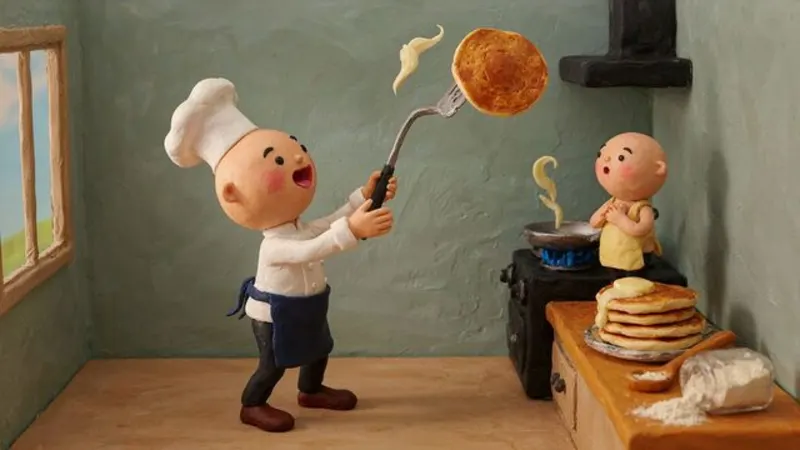
Claymation
Handmade stop-motion clay
Great for Food · Funny · Kids
AI images · Natural pace · Music
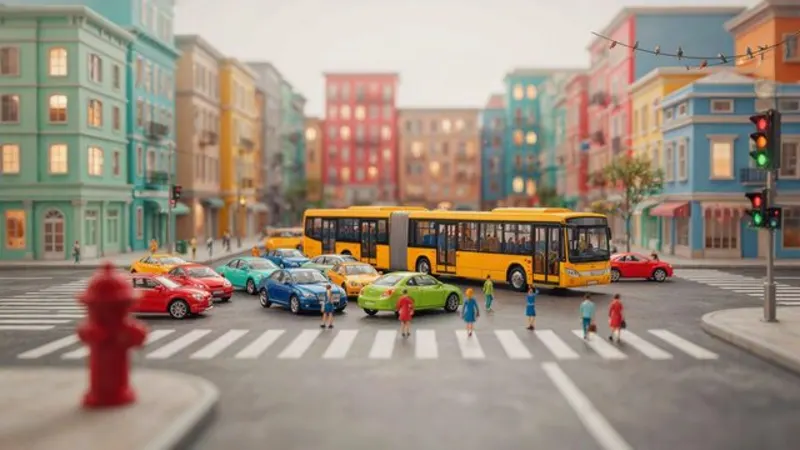
Miniature World
Tilt-shift toy diorama
Great for Cities · Economics · Logistics
AI images · Natural pace · Music
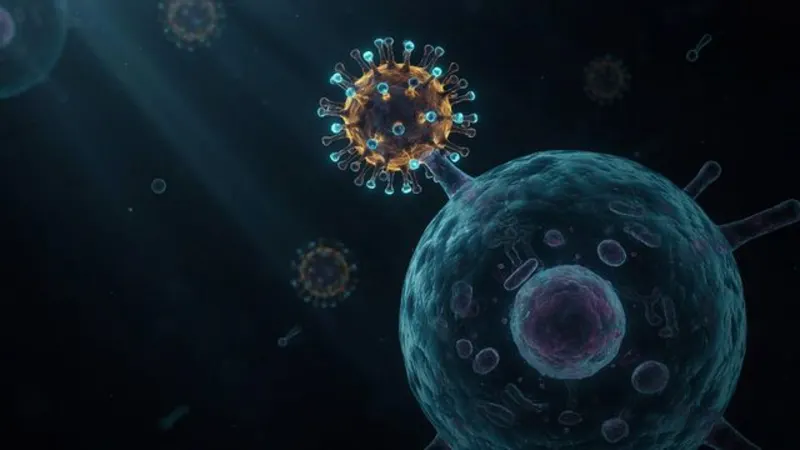
Science 3D
Microscopic medical renders
Great for Health · Biology · Medicine
AI images · Natural pace · Music
Make your first 3d animation video
ShortFast writes the script, draws every scene in this style, adds the voice and captions, and can post it for you every day.