AI Science Animation Video Generator
Turn an accurate script into a narrated video of microscopic 3D renders: cells, proteins, organs and the processes between them.
AI images · Natural pace · Music · Transitions · Can be animated
Opens ShortFast with the Science Animation style selected. Create an account to generate.
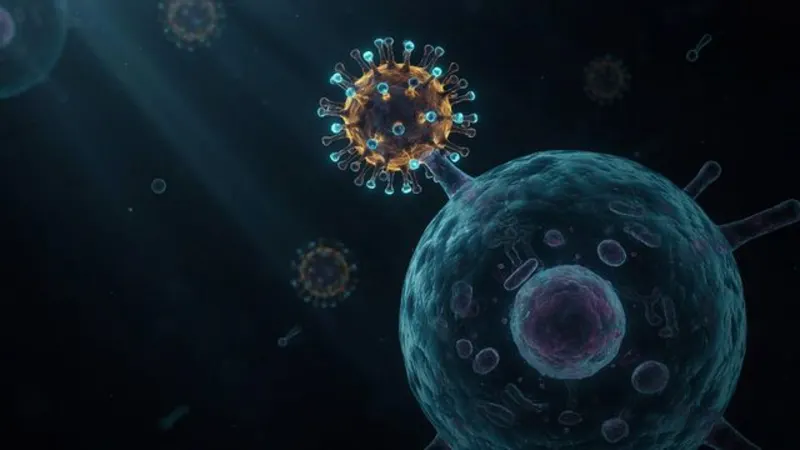
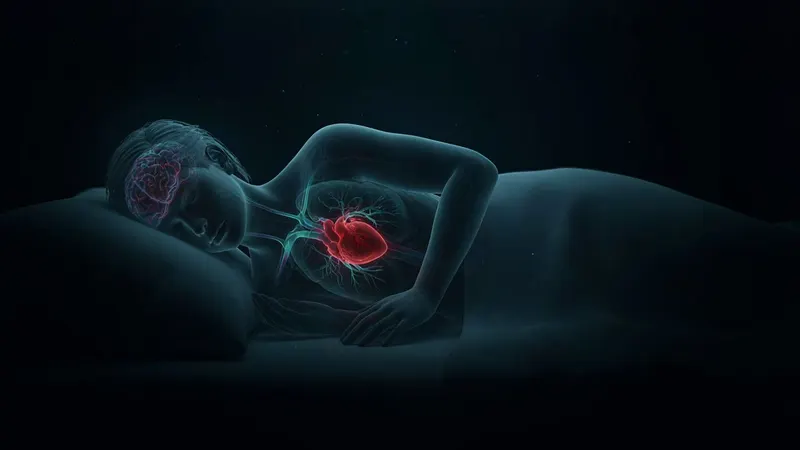
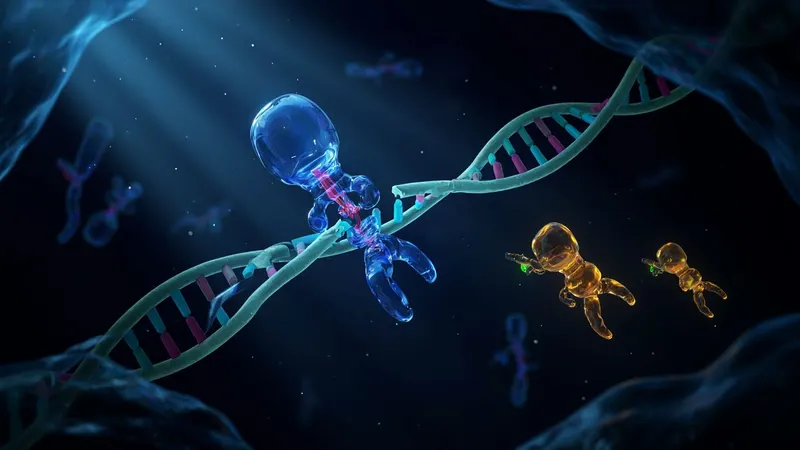
Create a science animation videoScience 3D is the look of medical and biological animation: translucent cells, glowing proteins, blood vessels and viruses rendered at microscopic scale, with dark backgrounds, rim lighting and a shallow depth of field. It shows things no camera can film, in a way that feels both clinical and beautiful. Biology explainers, health education and how-the-body-works videos use it to turn invisible processes into something a viewer can picture.
ShortFast draws every scene in that style. Paste a script or start from a topic like "How a virus hijacks your cells," and it writes or keeps the narration, splits it into scenes and renders each step as a microscopic 3D image. The palette and the recurring structures stay consistent across the video. The visuals are illustrative, not diagnostic, so the facts in the script need to be accurate and sourced.
Making a science animation video
- 01
Describe the topic or paste a script
Start from an idea such as "How a virus hijacks your cells", or paste a script you already wrote and ShortFast keeps your words.
- 02
The AI splits it into scenes
Every scene gets its own picture, and a shared palette, setting and recurring characters keep each image in the Science 3D look from the first scene to the last.
- 03
Voice, captions and pacing
Pick one of 21 narration voices. Captions are burned in, and the Science 3D defaults (natural pace, background music, transitions) are already set. You can change any of them.
- 04
Download, post or run a series
Download the video, auto-post it to TikTok, YouTube Shorts and Instagram Reels, or turn the theme into an automated series that makes a new episode on a schedule.
Why microscopic renders make invisible processes click
Most of biology happens at a scale nobody has seen with their own eyes. A textbook diagram explains it, but a lit, three-dimensional scene makes it feel real: a virus docking on a cell, a strand of DNA being cut, a neuron firing. The depth, the glow and the sense of floating in fluid tell the viewer they are inside the body, which is a strong hook on its own.
The style also carries authority. Viewers associate this kind of render with documentaries, museums and medical education, so it sets a serious, curious tone without feeling dry. That combination works well for short explainers, where the image has to earn a few seconds of attention and the narration does the actual teaching.
Biology and health topics it suits, and where to be careful
It fits process explanations best: how the immune system recognizes an invader, what happens inside your body while you sleep, how muscles repair after exercise, how CRISPR edits DNA. Each step of the process becomes one scene. It also suits general science at small scales, like how plants turn light into energy or how bacteria multiply.
Be careful with health content. These are illustrative images, not medical imaging, and they do not show any real patient, scan or diagnosis. Scripts should explain how things work, not tell viewers what to take or how to treat a condition. Check every claim against reliable sources such as textbooks, peer-reviewed reviews or public health agencies, and make no promises about outcomes. Platforms apply stricter rules to medical misinformation.
It is a poor fit for topics at human scale, like workouts, recipes or personal stories, where footage of real people or a cartoon style would be clearer. Close-up renders of viruses and organs can also feel intense for young children, so the friendlier 3D Animation style may suit a kids audience better.
Scripting a science short that teaches in under a minute
Pick one process and follow it in order. "How a virus hijacks your cells" works as a sequence: attach, enter, copy, burst out. Each step is a scene, and naming the actors early (the virus, the cell, the antibody) lets the scene planner keep them consistent. Open with the most surprising step or a question viewers have asked themselves, and define at most one technical term per video.
The style starts on a normal pace, with music and transitions on. Around five seconds per image gives viewers time to understand a detailed render before the next step, while fast cuts would blur the sequence. Ambient music and smooth transitions fit the drifting, underwater feel of the look. All three can be changed per video, and for deeper topics, 16:9 videos of 8 to 15 minutes are available on the Advanced plan.
Motion helps here, because biology is movement. Animate images turns each render into a short AI video clip in the same style, so structures drift and move instead of holding still. It costs more credits, billed per second of video, and is available for videos up to two minutes.
Run it as an automated series
Give ShortFast one theme and it makes a new science animation video on a schedule, every day, twice a day or a few times a week. Each episode covers a new topic on the theme, and the video is emailed to you or posted to your accounts. Themes that work well in this style:
- How one part of your body works, every day
- A disease and how it is fought, one per video
Niches that suit this style
Facts
A playbook for running a faceless facts channel: formats that add editorial value, ready-to-use hooks, a full sample script, what to put on screen, and an honest look at RPM and YouTube's inauthentic-content rules.
Open NicheHealth
A playbook for a faceless health channel: fitness, sleep and nutrition explainers that stay inside accepted guidance, with formats, hooks, a sample script and realistic earning ranges.
OpenCommon questions
- How do I keep a science animation accurate?
- Accuracy lives in the script. The images are illustrative renders, not scientific reconstructions, so they show the idea rather than exact molecular structures. The safest route is to paste a script you have already checked against reliable sources, which ShortFast keeps word for word. Keep claims to how things work, and use precise names for the structures involved.
- Will the cells and viruses look the same from scene to scene?
- That is planned before any image is drawn. The AI that splits your script into scenes sets a shared palette, setting and recurring structures, and the science 3D art direction leads every image prompt. Naming the main actors clearly in the script, such as "the virus" and "the white blood cell," helps them stay recognizable throughout the video.
- Can I monetize health and biology videos made this way?
- Platforms decide, and no tool can guarantee it. They reward original, non-repetitive content with real value, and health content is also held to accuracy rules. Educational explanations with sourced facts and no treatment claims are the safest ground. A channel that repeats the same script across topics, or makes medical promises, puts both its reach and its eligibility at risk.
- Can I run an automated science series?
- Yes. A theme like "How one part of your body works, every day" becomes a series where each episode covers a new topic, on a daily, twice-daily, three-times-a-week or weekly schedule. Videos are emailed with a download link or posted automatically. For health topics, the email option lets you read each episode before it goes out.
Other 3d styles
3D Animation
Animated-movie characters
Great for Kids · Fun facts · Stories
AI images · Natural pace · Music
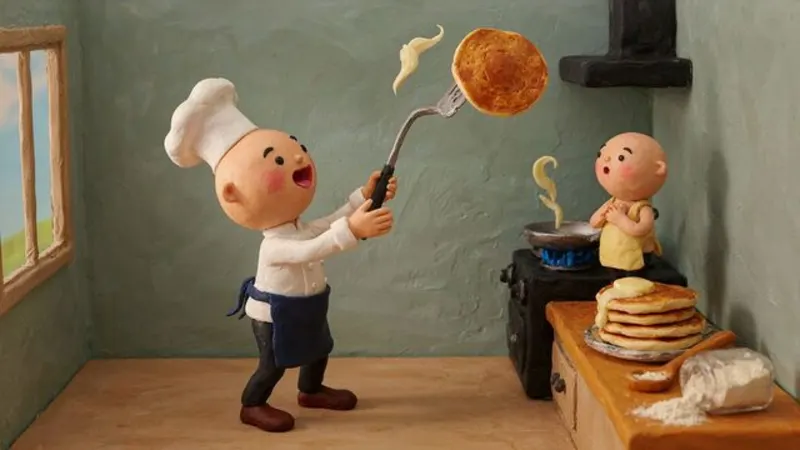
Claymation
Handmade stop-motion clay
Great for Food · Funny · Kids
AI images · Natural pace · Music
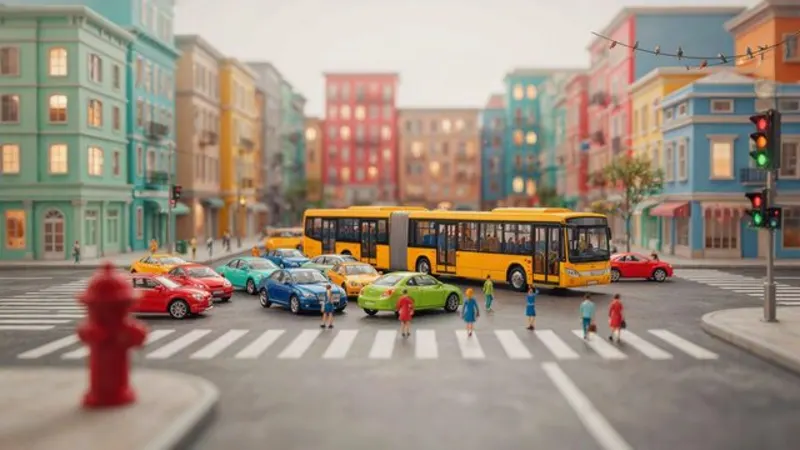
Miniature World
Tilt-shift toy diorama
Great for Cities · Economics · Logistics
AI images · Natural pace · Music
Make your first science animation video
ShortFast writes the script, draws every scene in this style, adds the voice and captions, and can post it for you every day.