Video styleAI video styleUpdated
Continuous AI Video Generator: One Unbroken Shot
The AI Video style: AI clips joined into one unbroken camera move, from the Big Bang to today or through the human body, with narration, captions and music.
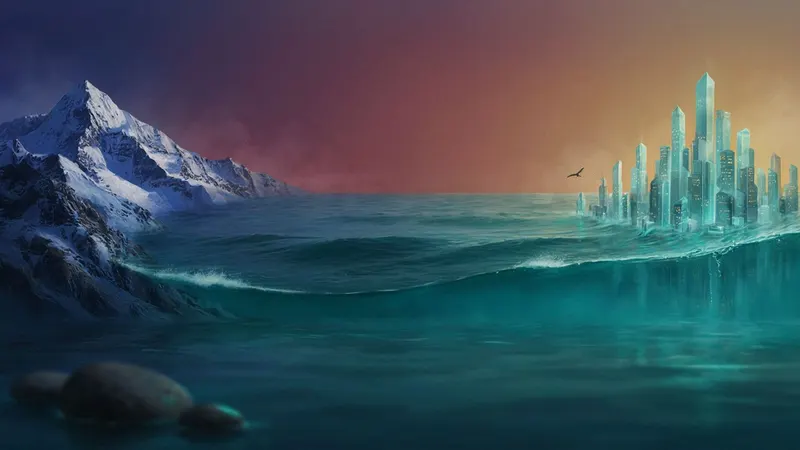
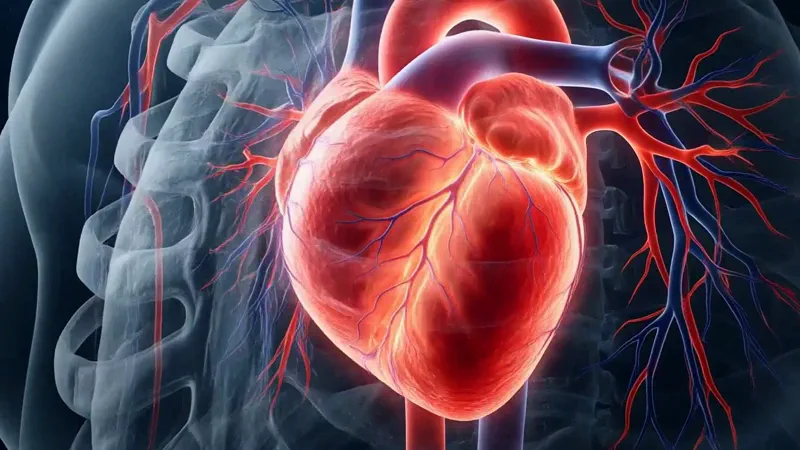
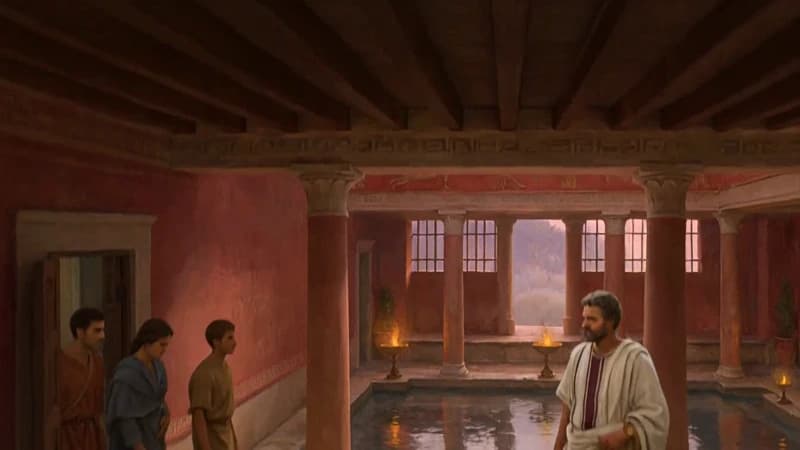
AI video · Natural pace · Music · Transitions
Opens ShortFast with the Continuous AI style selected. Create an account to generate.
Create a continuous AI videoChannels already winning with continuous AI videos
 2.5M views
Evolution of Paris: 2200 Years in 15 Minutes
Timelapse Studio · 97.9K subscribers
7.4M channel views · since Jan 2026
Independent YouTube channels, not affiliated with ShortFast. Subscriber and view counts from YouTube, September 2026.
A continuous AI video never cuts. The camera starts somewhere, a cloud of gas before the first stars or the inside of a blood vessel, and keeps moving until the story ends, so the viewer travels instead of watching a slideshow of scenes. ShortFast's AI Video style is built for that: journeys through time, through the body or through a place, the style's own examples, where the trip is the point.
ShortFast writes the script from a topic or narrates yours word for word, picks one of 40+ voices and plans the scenes as one continuous camera move. It draws a picture for every scene, then animates each clip from its scene's picture to the next one's, so the clips join into one shot. Captions and music go on top, and the video runs under a minute or one to two minutes, in 9:16 or 16:9.
How it works
Making a continuous AI video
- 01
Describe the journey or paste a script
Start from an idea such as "A journey from the Big Bang to today in 60 seconds", or paste a script you already wrote and ShortFast keeps your words. Choose under a minute or one to two minutes.
- 02
The AI plans one camera move
The AI splits the script into scenes along one continuous path and draws a picture for each, with a shared palette, setting and recurring characters.
- 03
Clips join into one shot
Each clip runs from its scene's picture to the next one's, so the video plays as one unbroken shot. Pick one of 40+ voices; captions are burned in, and the defaults (normal pace, background music and transitions) are already set.
- 04
Download, post or run a series
Download the video, auto-post it to TikTok, YouTube Shorts and Instagram Reels, or turn the theme into an automated series that makes a new journey on a schedule.
How the clips join into one shot
Each clip is generated with two anchors: its own scene's picture as the first frame and the next scene's picture as the last. The end of one clip is the start of the next, which is what makes the cut disappear. It is still a series of clips under the hood, not one long generation, and each one is held to the planned path by its two pictures.
Write the script as a route. Start at the first stop, move through the waypoints in order and end where the story lands: a city from a Roman camp to today, a meal from the plate through the stomach, the universe from the first second to the first galaxies. Neighboring stops that connect visually, closer, older, deeper, are easier to follow than jumps between unrelated places, and one idea per stop keeps the narration in step with the picture.
Length, cost and when a cut is better
Continuous videos run under a minute or one to two minutes; longer lengths aren't offered for AI video. The price is per second of clip: 6.25 credits at Normal quality, or 18.75 at High on a paid plan, plus 1 credit per scene picture and the video charge of 0.4 credits a second, which covers captions and rendering. Each clip is billed for its own length rounded up to a whole second, at least 5. A 50-second video with nine scenes comes to about 370 credits, so Starter's 2,000 monthly credits cover about five.
Not every topic wants one shot. Lists, comparisons and stories that jump between places read better with cuts, either a new AI clip per scene in the AI Video Clips style, at the same price per second, or an illustrated style at about 37 credits a minute. Keep the continuous shot for videos where moving through the subject is the explanation.
Reconstructions, accuracy and labels
A fly-through of ancient Rome or the early universe is a reconstruction. The picture comes from a model, not from the record, so let the narration carry the facts, say what is known and what is imagined, and don't present the images as evidence of what a place looked like.
YouTube requires disclosure of AI content that 'seems realistic', including content that 'Generates a realistic scene that didn't actually occur', and doesn't ask for 'non-realistic content that's made with AI'. You disclose it with the 'AI use' setting in YouTube Studio. TikTok requires a label on 'all AI-generated content that contains realistic images, audio, and video' (both checked 24 October 2026). ShortFast sets no AI label when it posts, so turn the labels on yourself for realistic journeys.
Run it as an automated series
Give ShortFast one theme and it makes a new continuous AI video on a schedule, every day, twice a day or a few times a week. Each episode covers a new topic on the theme, and the video is emailed to you or posted to your accounts. Themes that work well in this style:
- A journey through one era of history each video
- Fly through a different part of nature every time
Channel playbooks
Niches that suit this style
History
A playbook for running a faceless history channel: the formats that get watched, ready-to-use hooks, a full sample script, what to put on screen, and an honest look at RPM and how long monetization takes.
Open NicheSpace
A playbook for a faceless space channel: the formats that hold attention, ready-to-use hooks, a full sample script, what NASA and ESA let you use for free, how to keep the numbers accurate, and an honest look at RPM and timelines.
Open NicheTravel
A playbook for a faceless travel channel: the formats that work without filming a trip, ready-to-use hooks, a full sample script, what to put on screen and when AI scenes need a label, how to keep facts current, and an honest look at RPM and timelines.
OpenFAQ
Common questions
- Is a continuous AI video one long AI clip?
- No. ShortFast draws a picture for every scene, then generates each clip from its scene's picture to the next one's, so the clips meet frame to frame and play as one unbroken shot. The scenes are planned as a single camera move from the start.
- How long can a continuous AI video be?
- Under a minute, or one to two minutes. Longer lengths aren't offered for the AI video styles. For a longer journey, split it into episodes, such as one era of a city's history per video, and run them as a series.
- How much does a continuous AI video cost?
- It's billed per second of clip: 6.25 credits at Normal quality, 18.75 at High on paid plans, plus 1 credit per scene picture and 0.4 credits a second for the video itself, captions and rendering included; each clip rounds up to a whole second, at least 5. A 50-second video with nine scenes is about 370 credits.
- AI Video or AI Video Clips: what's the difference?
- The same engine and the same price per second. AI Video joins its clips into one unbroken camera move, which suits journeys; AI Video Clips gives every scene its own clip with a cut between them, which suits lists, facts and stories that change place.
More styles
Other ai video styles

Keep going
Related pages
Make your first continuous AI video
ShortFast writes the script, plans it as one camera move, joins the AI clips into one unbroken shot, adds the voice and captions, and can post it for you on a schedule.