AI Vintage Photo Video Generator
Tell stories from a hundred years ago with scenes drawn as grainy black-and-white photographs, narrated and captioned in one consistent period look.
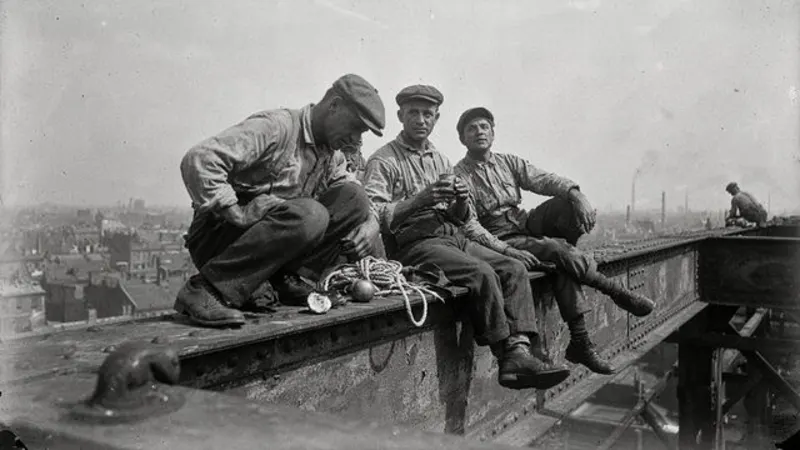
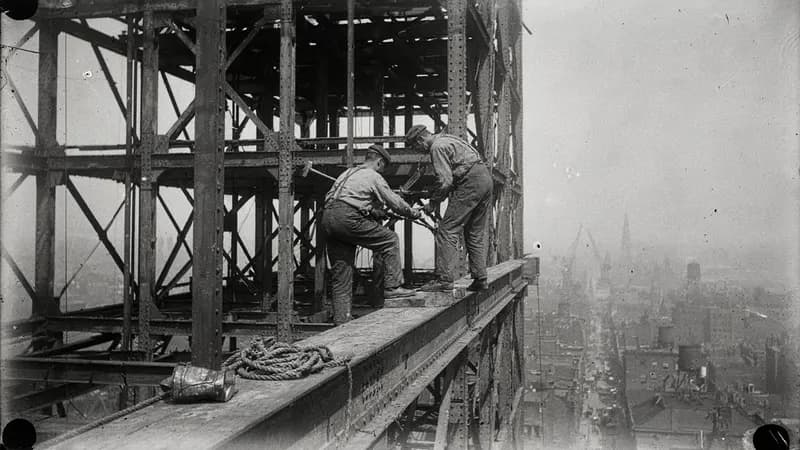
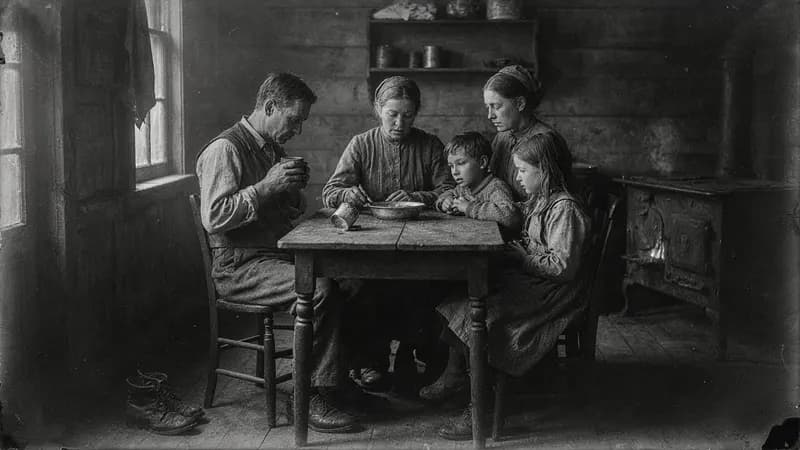
AI images · Slow pace · Music · Transitions · Can be animated
Opens ShortFast with the Vintage Photo style selected. Create an account to generate.
Create a vintage photo videoThe vintage archive look is the old family album and the museum drawer: black-and-white photographs with film grain, faded contrast, soft edges and the occasional scratch. Street scenes, factory floors, crowded kitchens, men in hats outside a bank. It signals the past before a word of narration, which is why it suits videos about how ordinary people lived, worked and got by decades ago.
ShortFast turns a topic like what daily life was like in 1920s New York, or your own script, into a finished video. Each scene gets its own AI image in this archival style, the narration is written or kept word for word, captions are burned in and music is added. These are new images made to look old, not real archive photos, and that distinction shapes how you should use them.
Making a vintage photo video
- 01
Describe the topic or paste a script
Start from an idea such as "What daily life was like in 1920s New York", or paste a script you already wrote and ShortFast keeps your words.
- 02
The AI splits it into scenes
Every scene gets its own picture, and a shared palette, setting and recurring characters keep each image in the Vintage Archive look from the first scene to the last.
- 03
Voice, captions and pacing
Pick one of 21 narration voices. Captions are burned in, and the Vintage Archive defaults (slow pace, background music, transitions) are already set. You can change any of them.
- 04
Download, post or run a series
Download the video, auto-post it to TikTok, YouTube Shorts and Instagram Reels, or turn the theme into an automated series that makes a new episode on a schedule.
Why grain and gray tones make the past feel close
Black and white strips a scene down to faces, light and gesture. Without color pulling attention to clothes or cars, viewers look at expressions: a worker resting on a steel beam, a family around a small table, a line of people outside a closed bank. That focus on people is what makes a century-old story feel personal rather than like a textbook chapter.
The texture does a second job. Grain, vignetting and uneven exposure tell the viewer they are looking at something from another time, which slows them down in a feed full of bright, saturated video. Small imperfections that would distract in a sharp color render sit naturally inside a soft, faded photograph.
The look works best when the subject is everyday life. The workers who built the Empire State Building, how families got through the Great Depression, a school day in 1910. The ordinary detail is the hook, and the archival look puts the viewer in the room.
Old times, working life and forgotten inventions, and the honesty question
Good fits: daily life in a past decade, jobs that no longer exist, forgotten inventions, old city streets, how families coped with hard times, and then-versus-now comparisons. A series like how people lived 100 years ago, one topic per video, can run for a long time, because every decade, city and trade is a new episode.
Be clear with viewers that these are illustrations, not documents. An AI image styled as a 1930s photograph can be mistaken for a real one, and history audiences object when a channel implies otherwise. A note in the description or a caption such as "AI reconstruction" keeps trust intact. Some platforms also ask creators to label realistic AI content, so check the upload settings, and verify every fact in the narration against real sources.
It is a poor fit for anything before photography, such as ancient Rome or medieval Europe, where a grainy photograph is an anachronism; the classical painting style suits those. It is also weak for recent events, where real photos and footage exist and viewers expect to see them. Roughly the mid-1800s to the 1960s, the era of black-and-white photography, is where this look belongs.
Slow holds, a specific year and one human detail
The default is slow pace, with each image held for 8 to 15 seconds, plus background music and soft transitions. Old photographs reward a long look, and a slow hold lets viewers notice the hat, the shop sign or the child in the corner. In a one-minute video that means roughly four to seven images, so each one has to count. You can switch to a faster pace or turn music and transitions off.
Anchor the script in a specific time and place. Put the year and the city in the first line, then one concrete detail a modern viewer would not expect. A video on how families got through the Great Depression opens better on a single habit, such as sewing children's clothes from printed flour sacks, than on a summary of the economy.
The AI that splits the script into scenes plans one consistent world: the same street, the same family, the same period clothing, all in the same grain and tone. Pick a warm, unhurried narrator from the 21 voices, and close on a link to today, such as the invention that survived or the neighborhood that still stands. That link to the present gives viewers a reason to share it.
Run it as an automated series
Give ShortFast one theme and it makes a new vintage photo video on a schedule, every day, twice a day or a few times a week. Each episode covers a new topic on the theme, and the video is emailed to you or posted to your accounts. Themes that work well in this style:
- How people lived 100 years ago, one topic per video
- A forgotten invention every day
Niches that suit this style
Facts
A playbook for running a faceless facts channel: formats that add editorial value, ready-to-use hooks, a full sample script, what to put on screen, and an honest look at RPM and YouTube's inauthentic-content rules.
Open NicheHistory
A playbook for running a faceless history channel: the formats that get watched, ready-to-use hooks, a full sample script, what to put on screen, and an honest look at RPM and how long monetization takes.
OpenCommon questions
- How do I keep a vintage history video accurate?
- Check the facts in the script against at least two sources, and name the year and place so the images have a clear period to follow. Mention clothing, vehicles and buildings in the script when they matter, since each scene's picture is written from it. Treat the images as illustration and let the narration carry the evidence.
- Will the family or street look the same in every scene?
- Yes, that is the goal of the scene planning. Before any image is drawn, the AI that splits the script writes a shared setting, palette and recurring characters, and every prompt starts from the vintage archive art direction. The same family, workshop or street corner carries through the video in the same grain and gray tones.
- Can I monetize videos made from AI images in an old photo style?
- Nothing guarantees monetization. Platforms reward original, non-repetitive content with real value, which here means researched scripts, a new topic each time, and honesty about what viewers are looking at. Label the images as AI reconstructions rather than passing them off as real archive photos, and follow each platform's rules for disclosing realistic AI content.
- Can I automate a series like how people lived 100 years ago?
- Yes. Set the theme once and choose a schedule: every day, twice a day, three times a week or weekly. Each episode covers a new topic, such as a trade, a city or a forgotten invention, and is posted for you or emailed with a download link. Animate images can add motion to each photo, at a higher credit cost, on videos up to 2 minutes.
Other cinematic styles
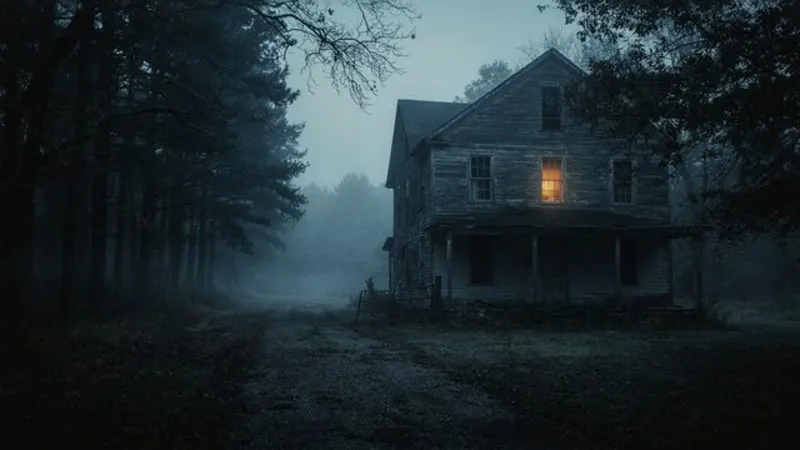
Dark Mystery
Moody, foggy and suspenseful
Great for True crime · Mysteries · Horror
AI images · Slow pace · Music
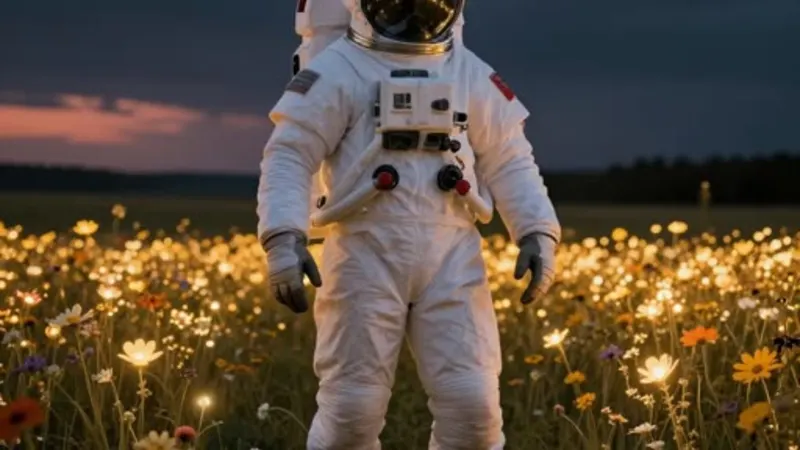
AI Images
Art-directed from your video
Great for Facts · Mysteries · Lists
AI images · Natural pace · Music
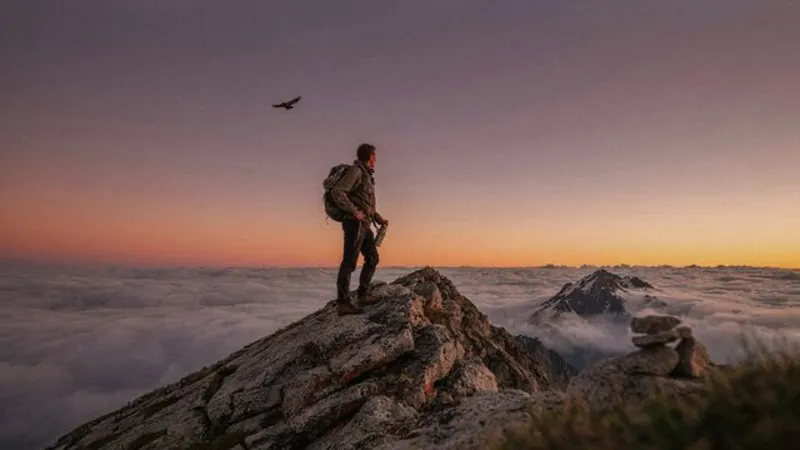
Cinematic
Photoreal film stills
Great for Motivation · Stories · Travel
AI images · Natural pace · Music
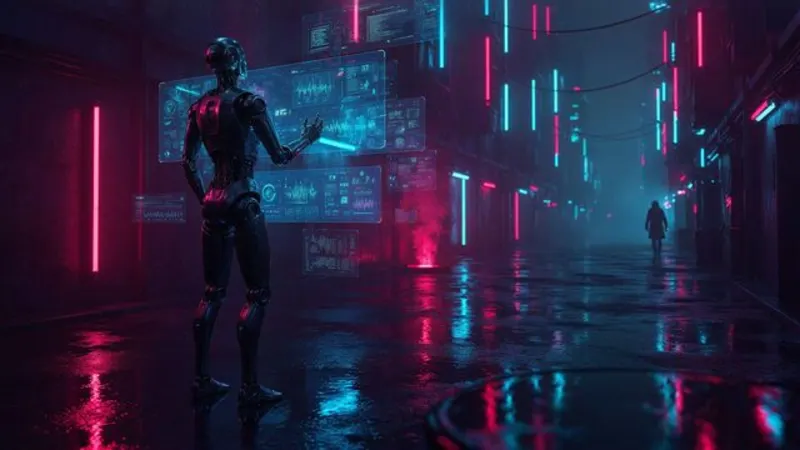
Neon Cyberpunk
Glowing neon, futuristic city
Great for Tech · AI · Future
AI images · Natural pace · Music
Make your first vintage photo video
ShortFast writes the script, draws every scene in this style, adds the voice and captions, and can post it for you every day.